
Add your own company fields
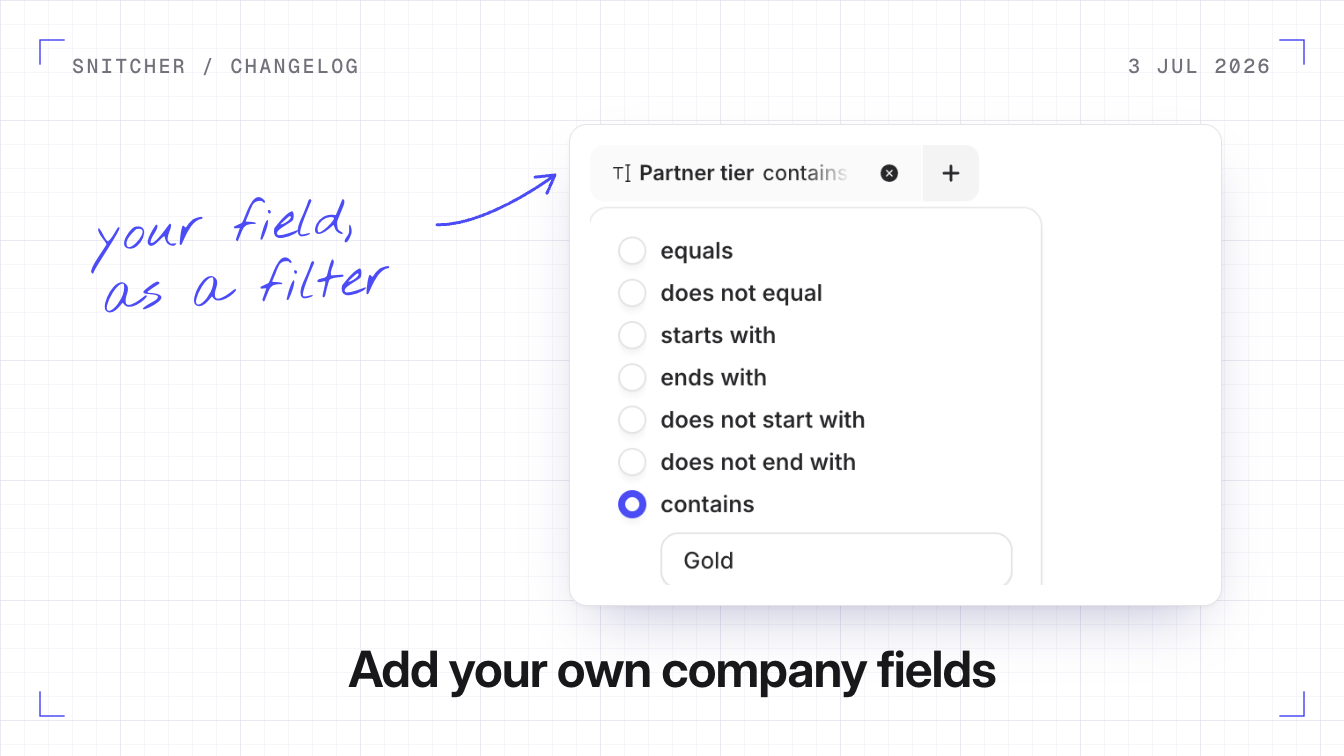
You can now add your own fields to every company in Snitcher, such as an account tier, a lead score or a sales motion, and filter and segment on them.
Why it matters
Your team’s own data sits next to Snitcher’s on every company, ready to filter on.
Filling in your fields
- By hand. Edit a field on any company, or update up to 100 selected companies at once.
- From your CRM. Link a field to one in your connected CRM and Snitcher keeps the value up to date. A synced field is read-only in Snitcher.
- From your own systems. Company fields are part of Snitcher’s API.
Using your fields
Each field becomes a filter, with conditions that suit its format, and you can save those filters as segments. You also choose which fields appear as inbox columns, in a company’s sidebar and on its hover card. Fields come in nine formats, including text, number, currency, date, checkbox and list.
Create a field
- Go to Settings → Company fields and click Create field.
- Pick a format and a name. The format can’t change once the field holds data.
- To fill the field from your CRM, open your CRM under Settings → Integrations and add the field under Receive from.
The company fields guide covers formats, rules and archiving.