Changelog

New updates and improvements to Snitcher.

Save column layouts per segment

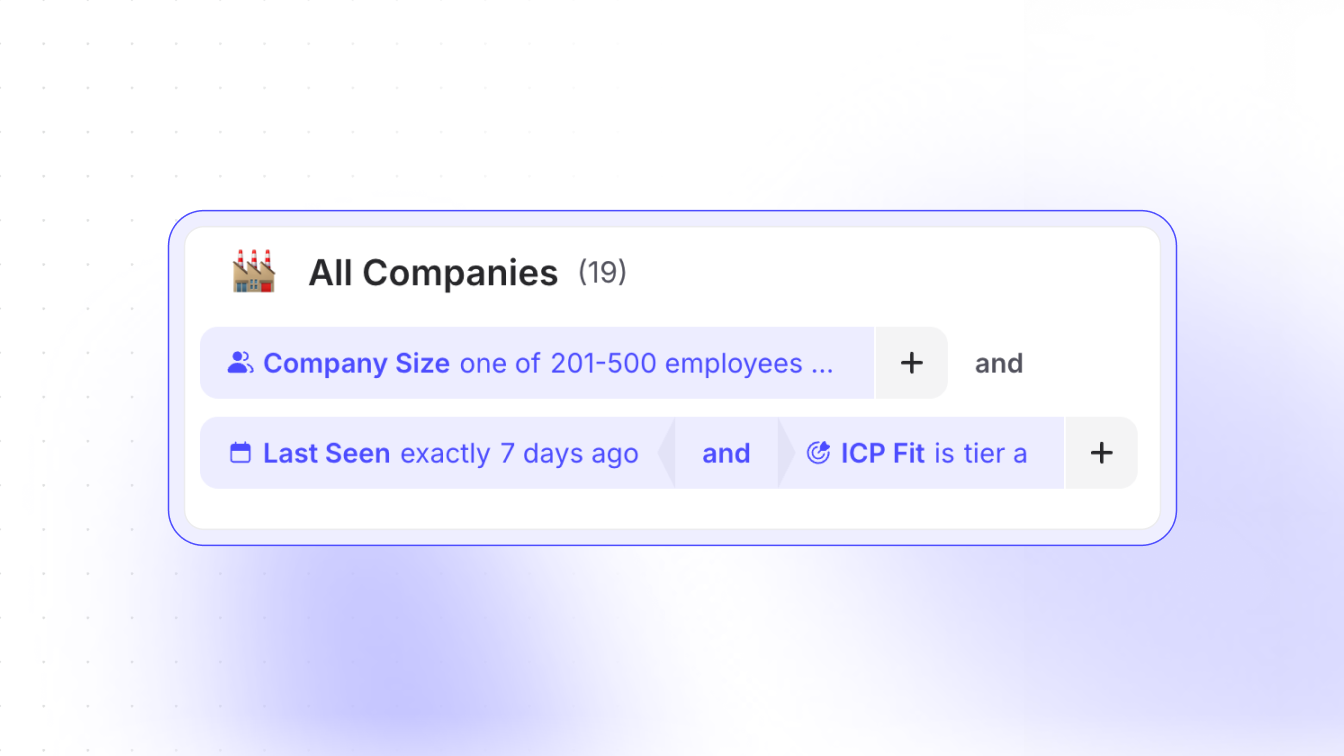
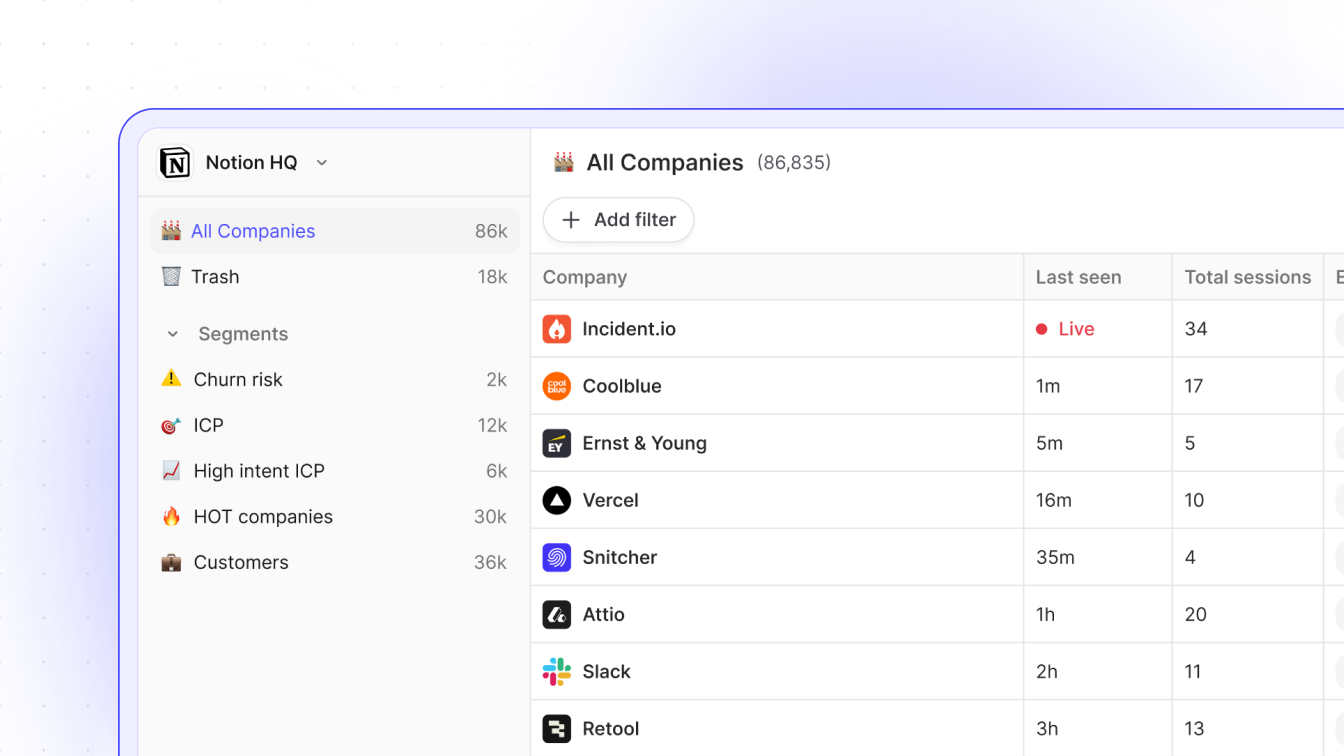
Column settings used to be one-size-fits-none: tune them for one segment and you’d changed them everywhere else. Now each segment keeps its own layout. Your “red-hot accounts” view and your “please don’t churn” view can look nothing alike and stay that way.

New segments also begin from a clean slate instead of inheriting a wall of defaults. Consider it a gentle nudge toward intentionality: pick the columns you actually care about and get on with your day.

Give each of your segments its own view in the inbox.

One tracker, many domains

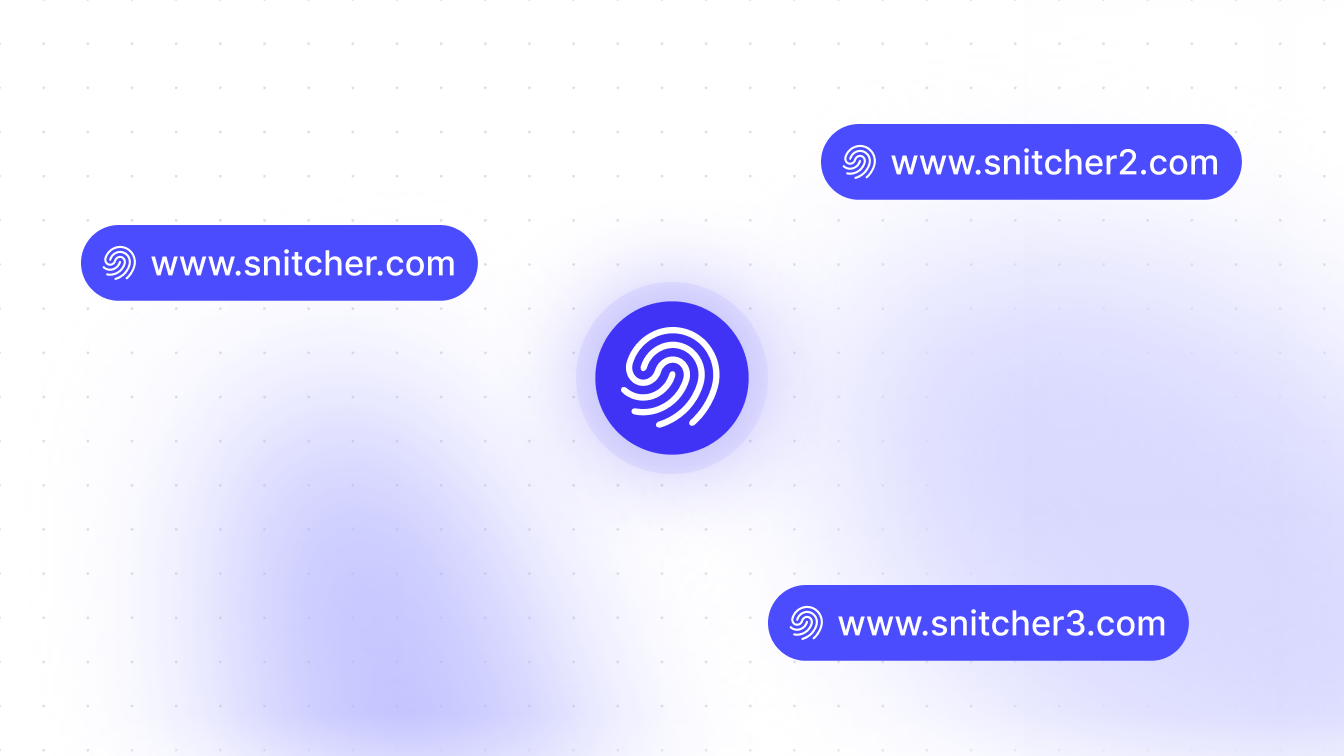
Your workspace starts by tracking the domain you set up during onboarding. Run a few sites, or switched domains? You can now add and manage several against one tracker instead of juggling separate workspaces.

And if traffic turns up from a domain you never configured, Snitcher taps you on the shoulder so you can review it in settings. No silent blind spots, no “wait, why was this site never tracking?!”.

Add your other domains from tracking settings whenever you’re ready.

Point Claude (or any AI assistant) at Snitcher and let it dig

Snitcher now ships a Model Context Protocol (MCP) server, tucked under Settings → Integrations. Connect it and AI assistants can read your data and actually act on it: answer “who hit pricing this week?”, surface intent or build a segment from a single sentence.

Point Claude (or any assistant that speaks MCP) at Snitcher and ask who’s been on your site, then have it build segments, pull insights and answer your follow-ups — in plain English, no dashboard required.

Setup takes a couple of minutes — the docs walk you through it.

AI filters, right where you're already typing

We folded AI filter creation straight into search. Hit enter and Snitcher works out whether you typed a search string or a full-blown prompt, then does the right thing. No detour to a separate AI box.

Miss the old prompt field? There’s a note in the filter dropdown pointing you to the new flow. Now there’s one less step between the question in your head and the data that answers it.

Just start typing in the app.

CookieYes, meet the tracker

The tracker now reads and respects consent signals from CookieYes, joining the other consent platforms we support. If CookieYes runs your cookie banner, Snitcher tracks in line with each visitor’s choice straight out of the box.

One less thing to wire up by hand, one more box ticked on staying compliant while still seeing which companies came to visit. The full list of supported consent platforms lives in our docs.

A fresh coat of paint on the front door

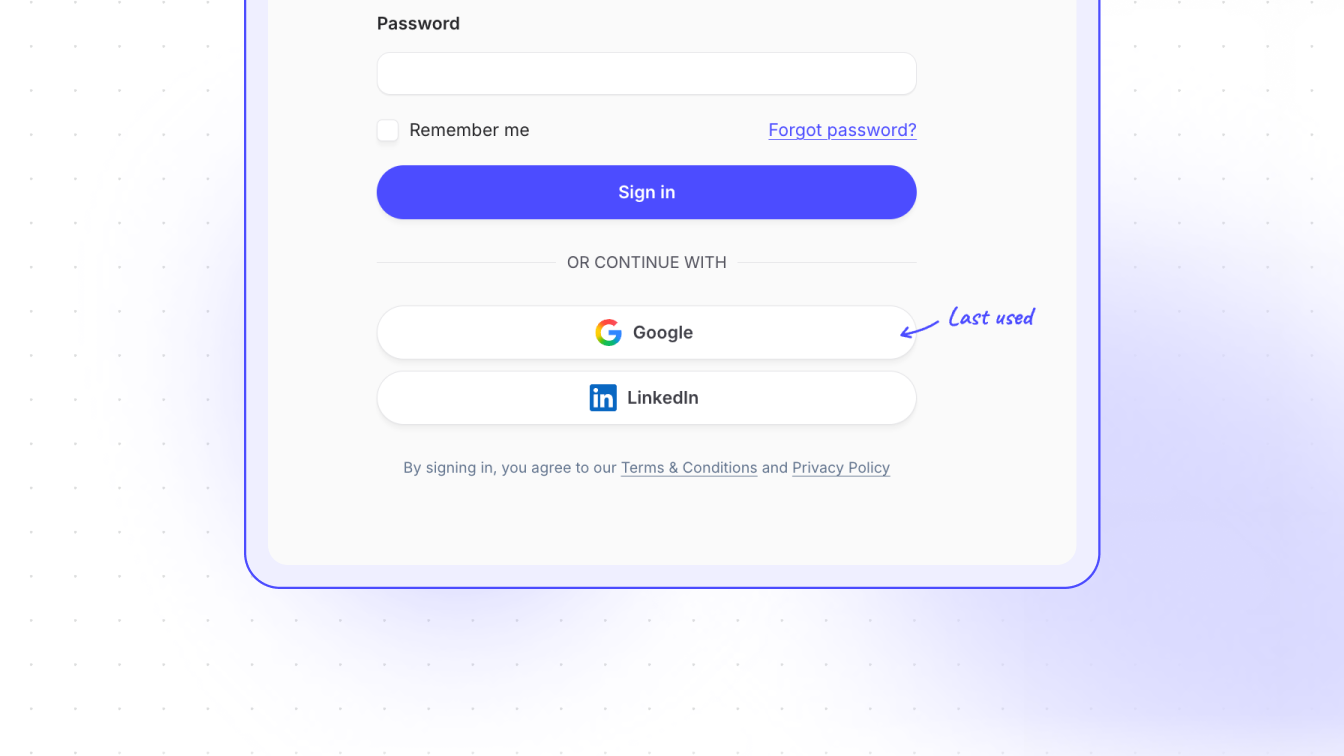
The login and registration screens have been rebuilt to fit Snitcher’s current look. We also added a “Last used” callout to the login methods. If you always sign in with Google (or email, or whatever), Snitcher now nudges you toward the right button instead of making you play a guessing game with your own account. Small touch but noticeably fewer “wait, which one did I use?” moments.

Beyond that, nothing changed about how you actually log in. We just stopped it looking quite so 2020. See for yourself next time you log in.

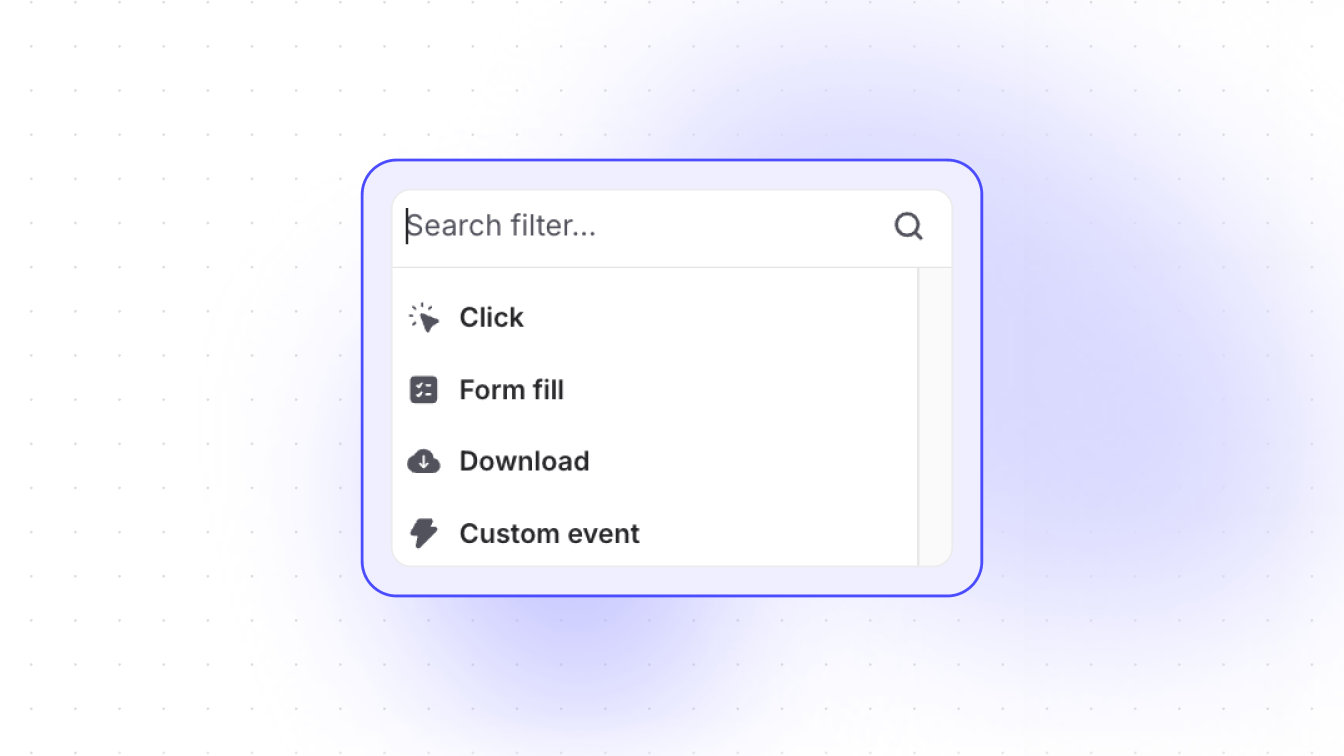
Filter by clicks, downloads and form fills

Alongside page views, you can now filter and build segments on real on-site actions: a click that matters, a resource downloaded or a form submitted.

That means sharper segments: “hit pricing and grabbed the spec sheet” beats “visited the site” every time. Point your automations and outreach at the accounts already showing their hand.

Build your first action-based segment in the app.

Sync to your CRM, your way

CRM integrations now have a Sync Flow setting. Standard keeps the classic behaviour — organisations as Accounts, revealed contacts as Contacts. Lead Flow sends everything over as Leads instead, matching how plenty of teams actually run their CRM.

Snitcher now also checks your existing Leads, Contacts and Accounts before creating anything, so it stops making duplicates when a company’s already in there as a Lead. Your CRM stays clean instead of slowly becoming a landfill. Switch flows whenever you like, nothing lost.

Filters that stay where you put them

Setting a filter in a company’s Activity or People tab used to be a bit Sisyphean. Click into the next company and it vanished, so you’d set it all over again. And again.

Now those filters stick as you click through your list, and only clear when you close the company drawer. Reviewing a batch of accounts through the same lens is finally painless.

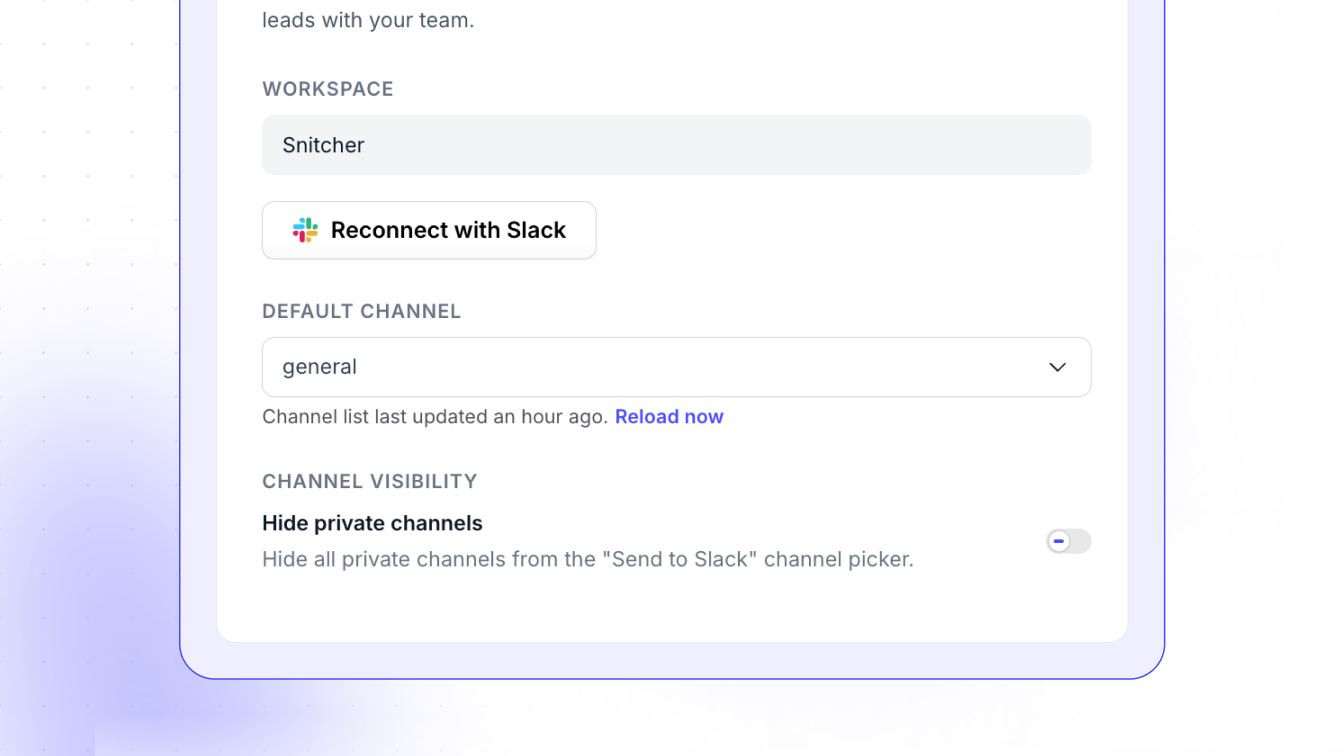
Hide private channels from the Slack picker

There’s now a “Hide private channels” toggle in the Slack integration settings. Flip it on and private channels disappear from the “Send to Slack” picker everywhere.

It’s off by default, so everything shows as before unless you decide otherwise. Handy for the channels that are nobody else’s business. You’ll find the toggle in your Slack settings.

Reveal phone numbers for visitors

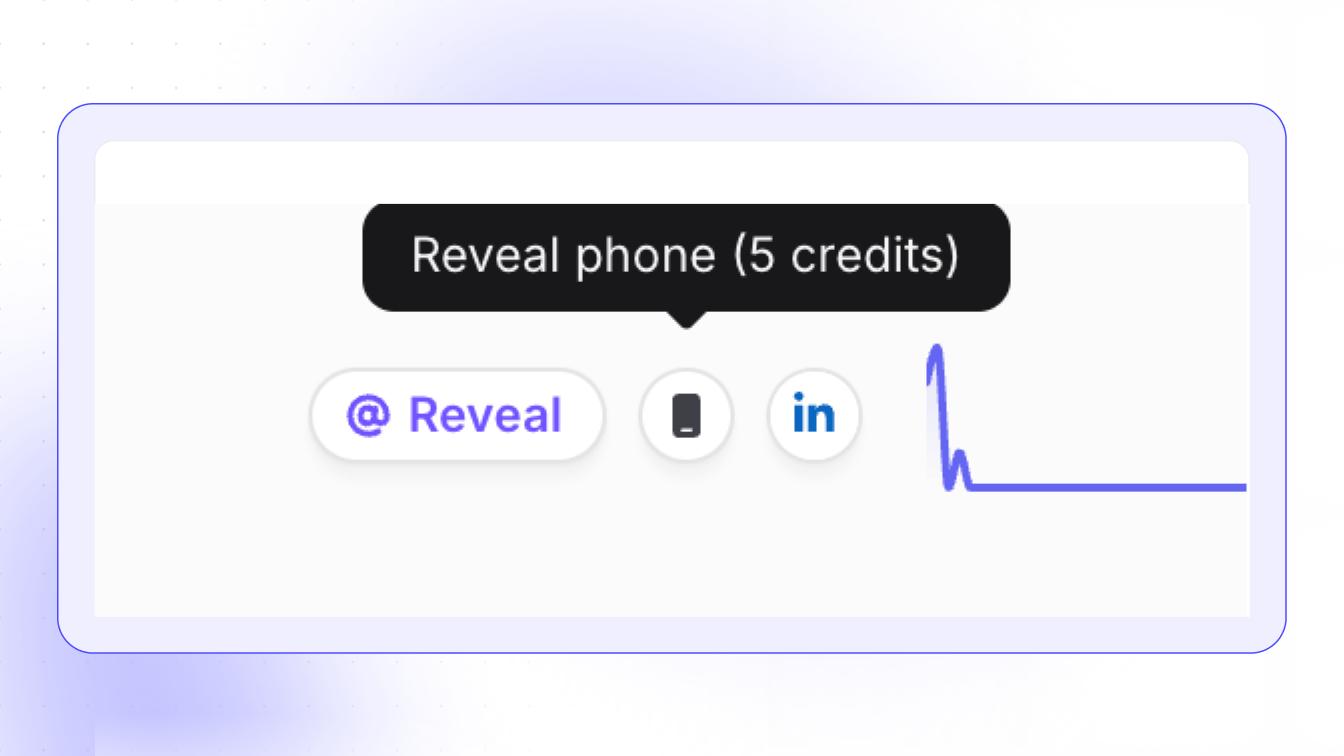
Email outreach not landing? You can now reveal phone numbers alongside emails and get a direct line to the people browsing your site. Spot a high-intent visitor, reveal their number and call while the interest is still warm.

Reveals cost 5 credits and come out of the same pool as email reveals — no separate balance to babysit. Numbers come from an external provider, so a lookup can take a few minutes: you’ll see a “pending” status while it runs, and the number flows through to your CRM, webhook or any automation the moment it lands.

Live everywhere already: the app, API, automations, Zapier, exports and webhooks.

10 new inbox improvements

One week with the new inbox and your feedback wrote our roadmap for us. Ten upgrades, all live now.

Company notes. Add free-text notes to any company — context for yourself, or for whoever picks up the account next.

Company tags. Create custom tags and assign them to any company. Stage, priority, or whatever else your team tracks.

Clickable tags. Click any tag in the company list and the whole inbox filters to it, instantly.

Full URLs. URLs display in full and link straight to the page. No more truncated paths.

Hover previews. Hover any row for a quick card with key data. Click through for the full profile.

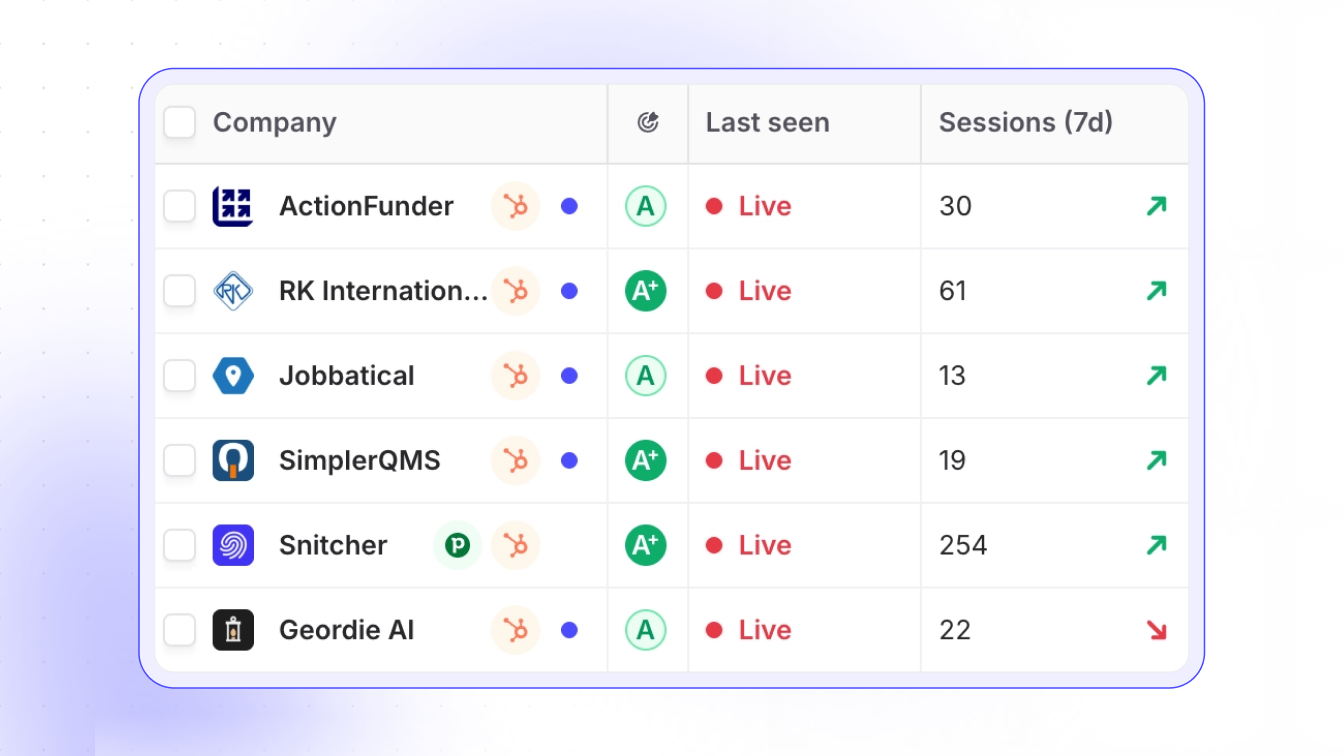
Live badge. A real-time indicator when a company is on your site right now. Act while they’re still browsing.

Trend indicators. A percentage change in visits on every row, so engagement shifts jump out without opening a single profile.

Mini activity log. A compact timeline in the company detail panel: recent visits and events at a glance.

People search and export. Search contacts within the People tab and export them straight to CSV.

Trash view. Browse and bulk-restore deleted companies from Inbox → Trash, each with its deletion reason.

Go poke around your inbox — they’re all in there.

Introducing the new inbox

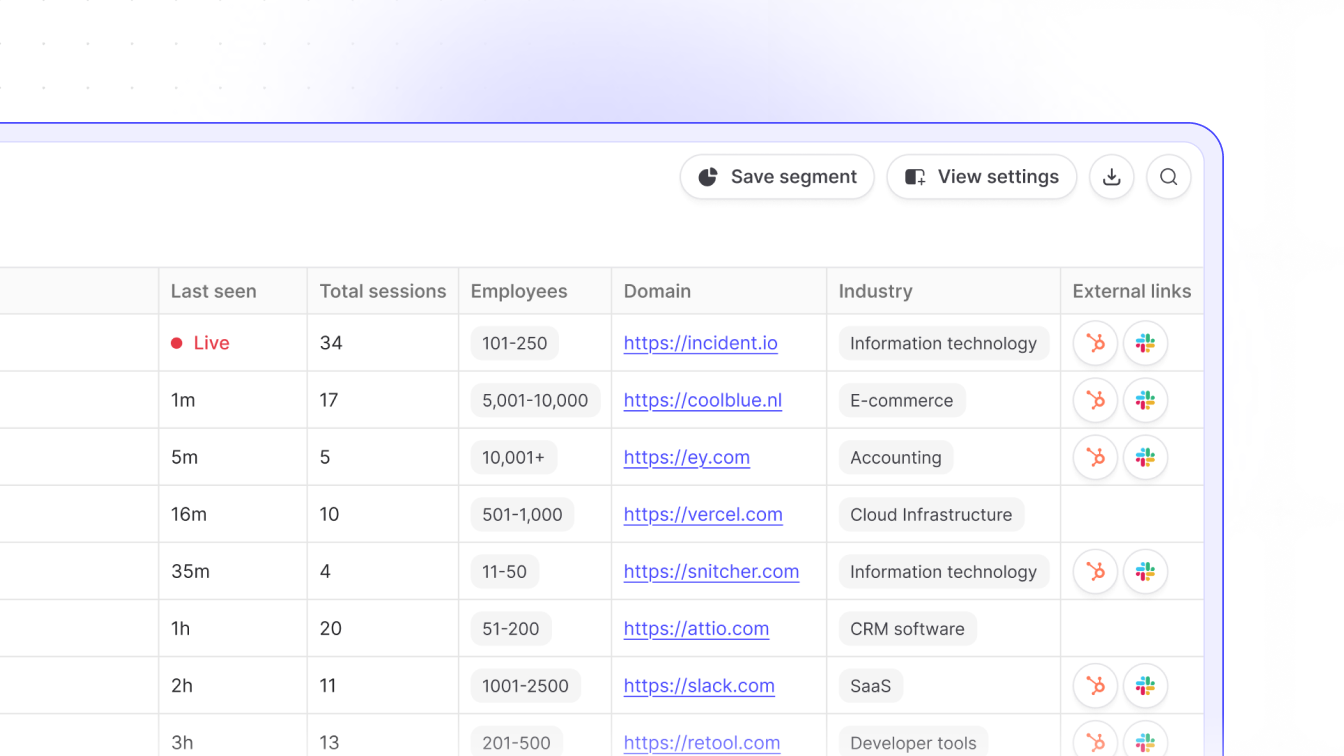
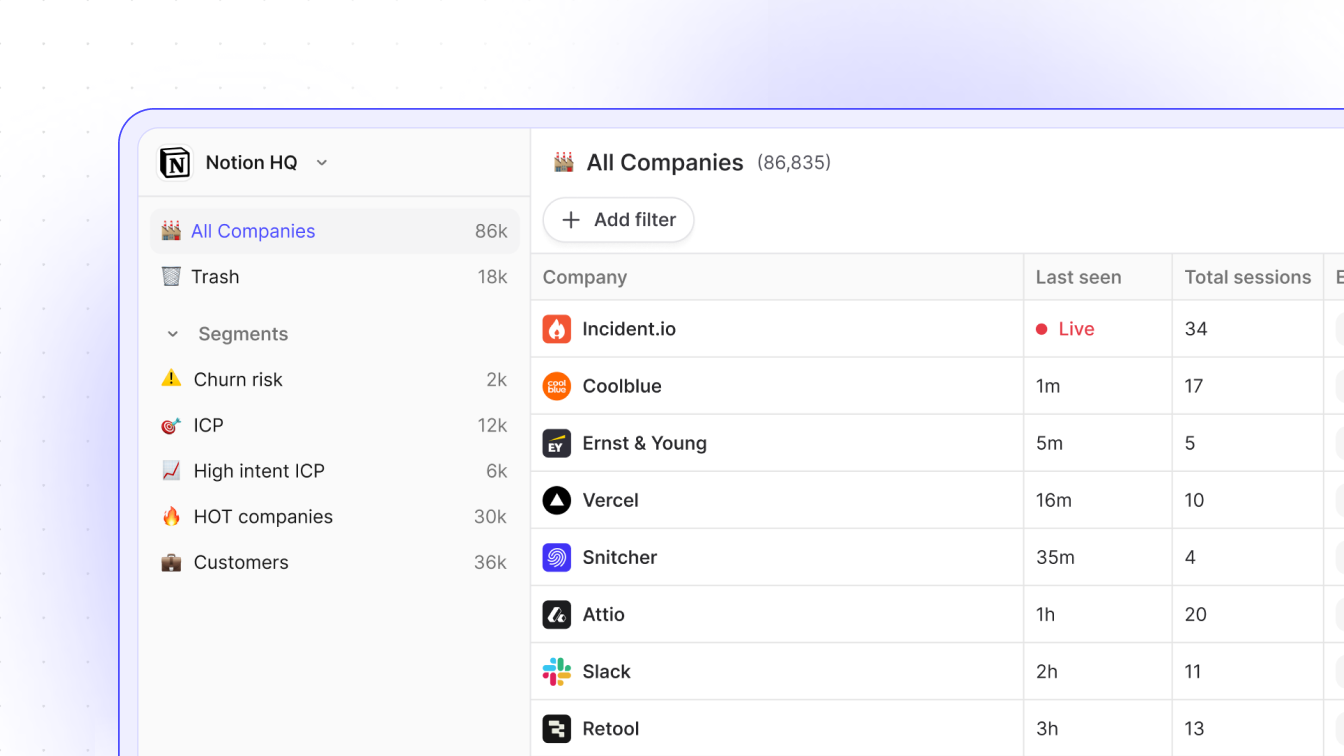
The card view had a good run. Your visitor companies now live in a fully sortable, customizable table — drag columns, pick the data points that matter, and act on many companies at once.

Reorder and resize columns to taste, hover any row for a quick preview card, and select companies in bulk to tag, export, send to CRM or restore from trash. Building a target account list stops being a clicking marathon: select, act, done.

Bonus: the columns you choose carry through to exports, so your CSV contains exactly the data you see. Head to the inbox and make it yours.