
Create AI filters from the search bar
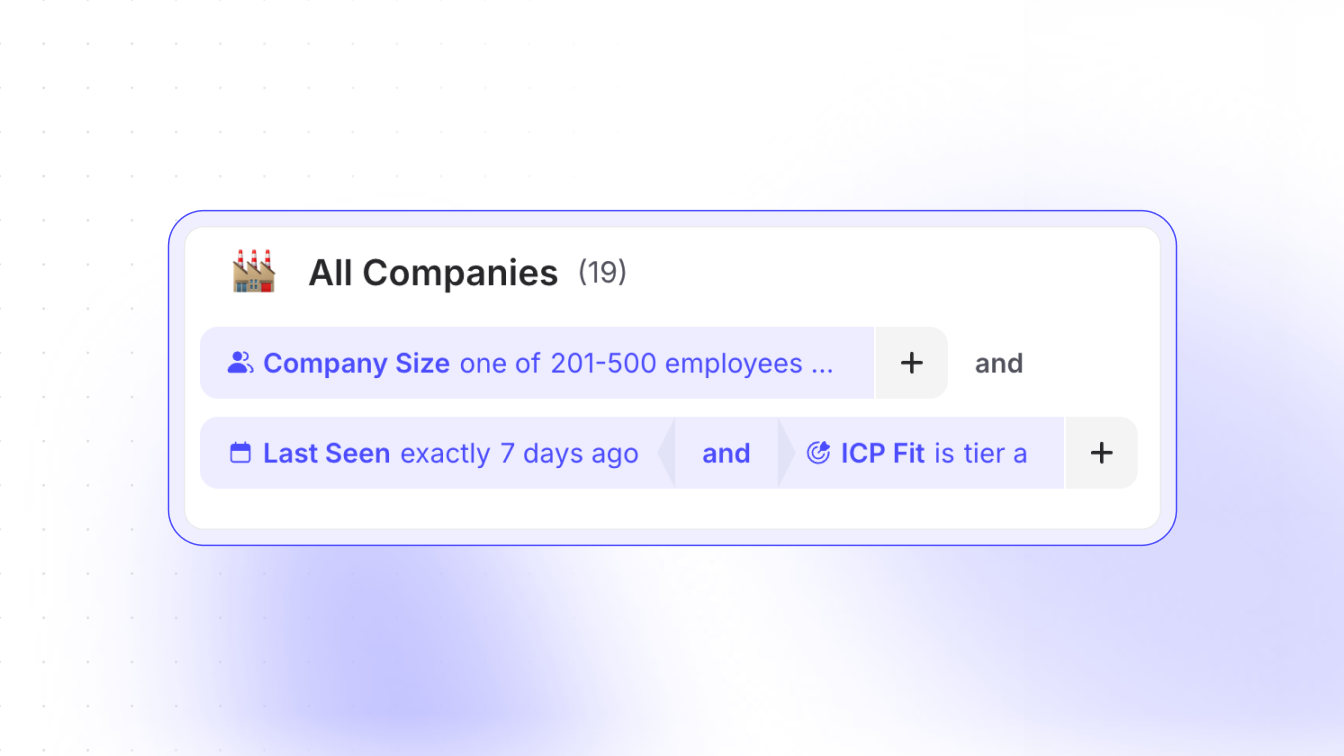
You can now create AI filters straight from the inbox search box. Type a company name to find that company, or describe the companies you want, like “companies in Germany”, and Snitcher adds the matching filters for you.
Why it matters
You type what you mean instead of clicking through filter menus.
Names and descriptions
Snitcher tells a company name from a description by itself. “Google” runs a name search, while “companies in Germany” becomes a filter on your list. Snitcher understands regions like DACH, Benelux and the Nordics, and time ranges like “last 30 days”. The separate Generate filters with AI panel is gone.
Try a description
In your inbox, type “companies in the Nordics that visited in the last 30 days” into the search box at the top of the sidebar.