
Reveal phone numbers for visitors
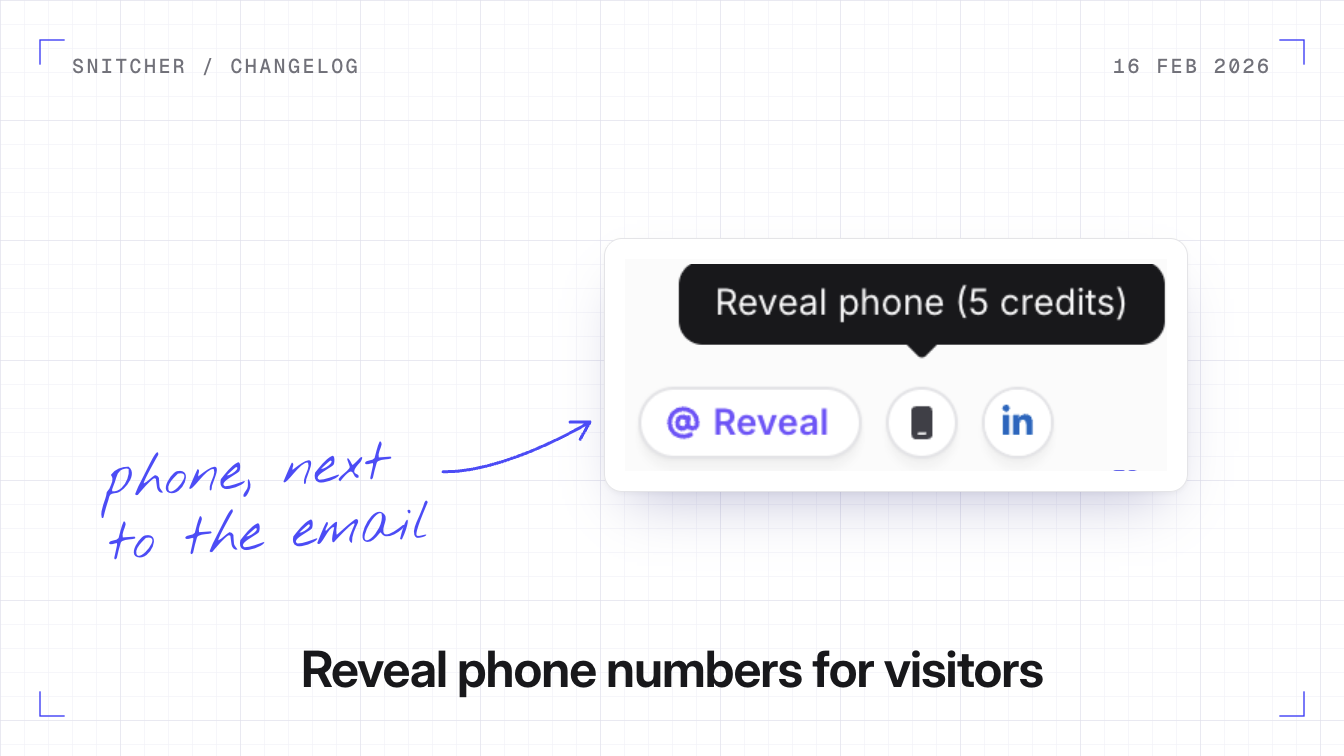
You can now reveal a visitor’s phone number next to their email.
Why it matters
You can call someone while their interest is still warm, instead of waiting on an email reply.
Where to reveal numbers
Reveal a number from a company’s People tab, or let an automation do it: the Reveal contacts action reveals emails, phone numbers or both, up to a limit you set per company. Numbers come from an external provider, so one can take a few minutes to arrive, and the contact shows as “pending” until it does.
Credits, automations and exports
- One credit pool. A phone number costs 5 credits, against 1 for an email, from the same balance.
- Automations wait for the number. An automation that reveals phone numbers sends to your CRM or webhook once the number arrives.
- In your exports. Revealed numbers appear in the Phone column of the People export.
Reveal your first number
- Open a company from your inbox and go to its People tab.
- In a contact’s … menu, choose Reveal phone number.
To reveal numbers without clicking, add a Reveal contacts action to an automation.