
Filter by clicks, downloads and form fills
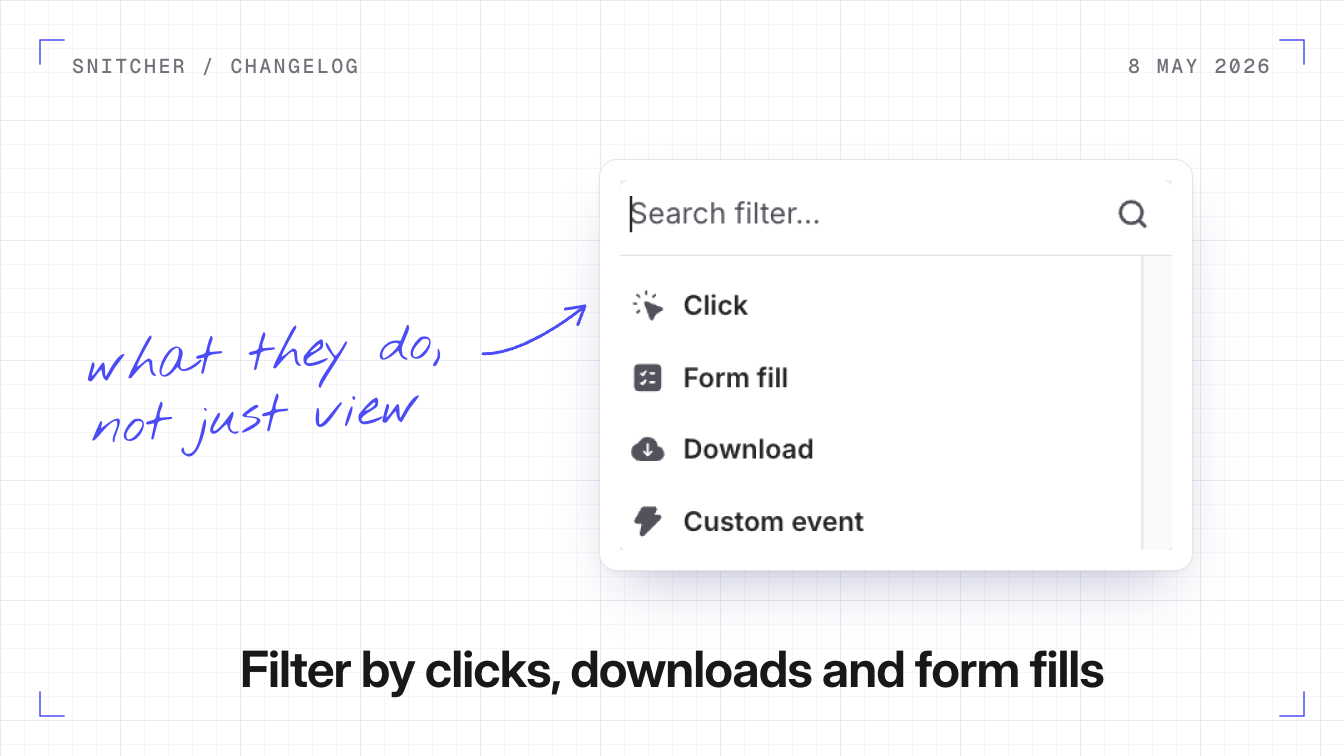
You can now filter companies and build segments on what visitors do on your site, not just the pages they view: the links and buttons they click, the files they download and the forms they fill in.
Why it matters
A visit to your pricing page is interesting. A click on a pricing plan is more interesting.
What you can filter on
Open Add filter and pick Click, Download or Form fill under Behavioural Data. Set how many times it happened, then refine it by what was clicked, downloaded or sent:
- Click: the element’s text, link, ID or CSS class.
- Download: the file type, file name or link.
- Form fill: the form’s name, ID, action or a field in it.
Every refinement can also use the page URL, page title or date, and the value boxes suggest values Snitcher has already seen on your site.
Segments, automations and tracking
- Segments built on intent. For example: viewed pricing and downloaded the spec sheet.
- Automations follow. Save the filters as a segment, and automations on that segment act on every company that matches.
- Tracking has to be on. Clicks, downloads and form fills each have a switch in tracker settings. Click and form tracking are on by default.
Build your first one
- In your inbox, click Add filter and pick Click under Behavioural Data.
- Refine it by Element ID or Page URL, set it to at least once and click Confirm changes.
- Click Save segment to keep it.