
Connect Close to Snitcher
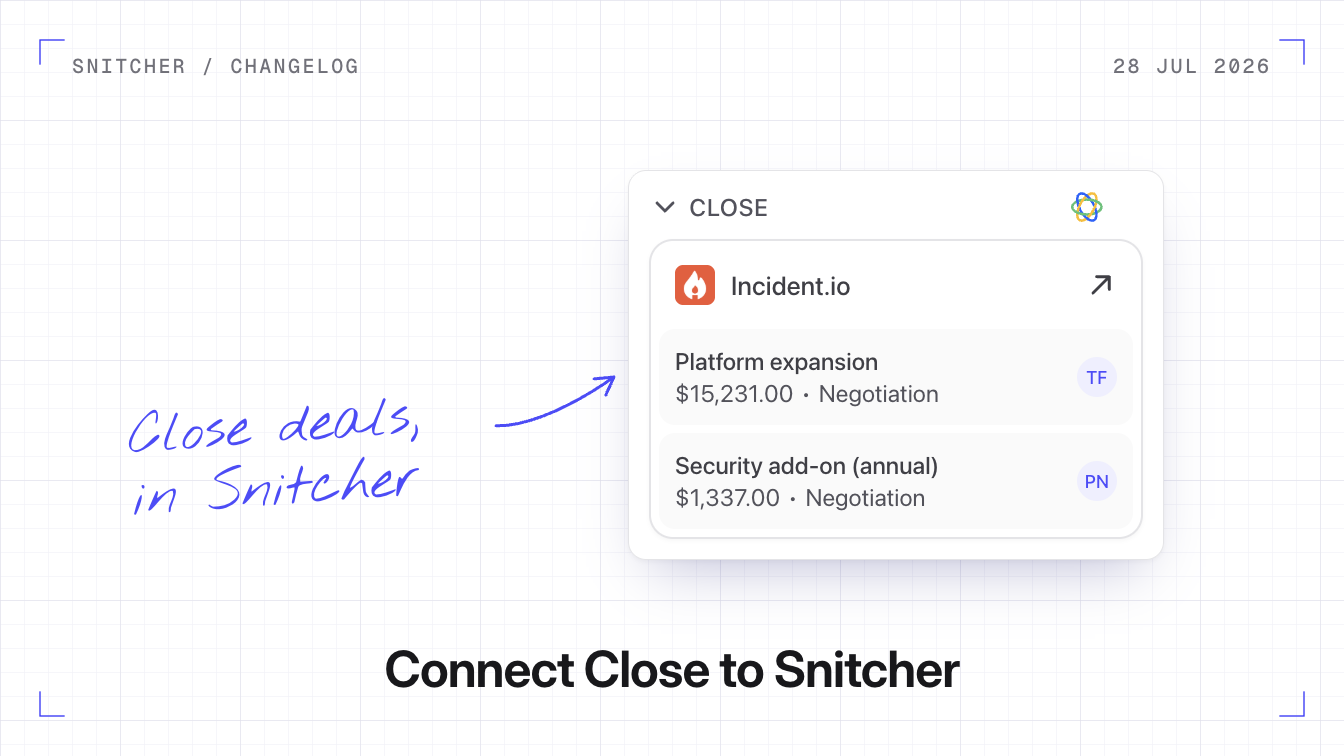
You can now connect Close to Snitcher. Companies you send become Close Leads, revealed contacts are added to them, and your Close Opportunities show up in Snitcher.
Why it matters
Your team sees who has been on your website without leaving Close.
How the sync works
In Close, a Lead is the company, so each company you send becomes a Lead. Snitcher matches companies to your existing Leads by website domain and updates those Leads instead of creating duplicates. Changes flow both ways in real time.
On each Lead, Snitcher keeps visit data up to date, such as total sessions, time on site and the last visit date. Your Opportunities come into Snitcher with their stage, value and owner, and Snitcher never creates or changes them.
What you can do
- Send companies and contacts. Use Send to Close on a company or a contact, or set up an automation that sends new leads.
- Follow up on deals. Snitcher creates Open Deals and Lost Deals segments for you.
- Filter on Close data. Filter on whether a company is already in Close, and on its Lead status.
Connect Close
- Go to Settings → Integrations → Close and click Connect Integration.
- Authorise Snitcher in Close. You need to be a Close admin or have organisation management permission, because Snitcher adds a few custom fields to your Leads.
- Choose your sync settings.
How to integrate Snitcher and Close covers automations and filters.