
First-party tracking
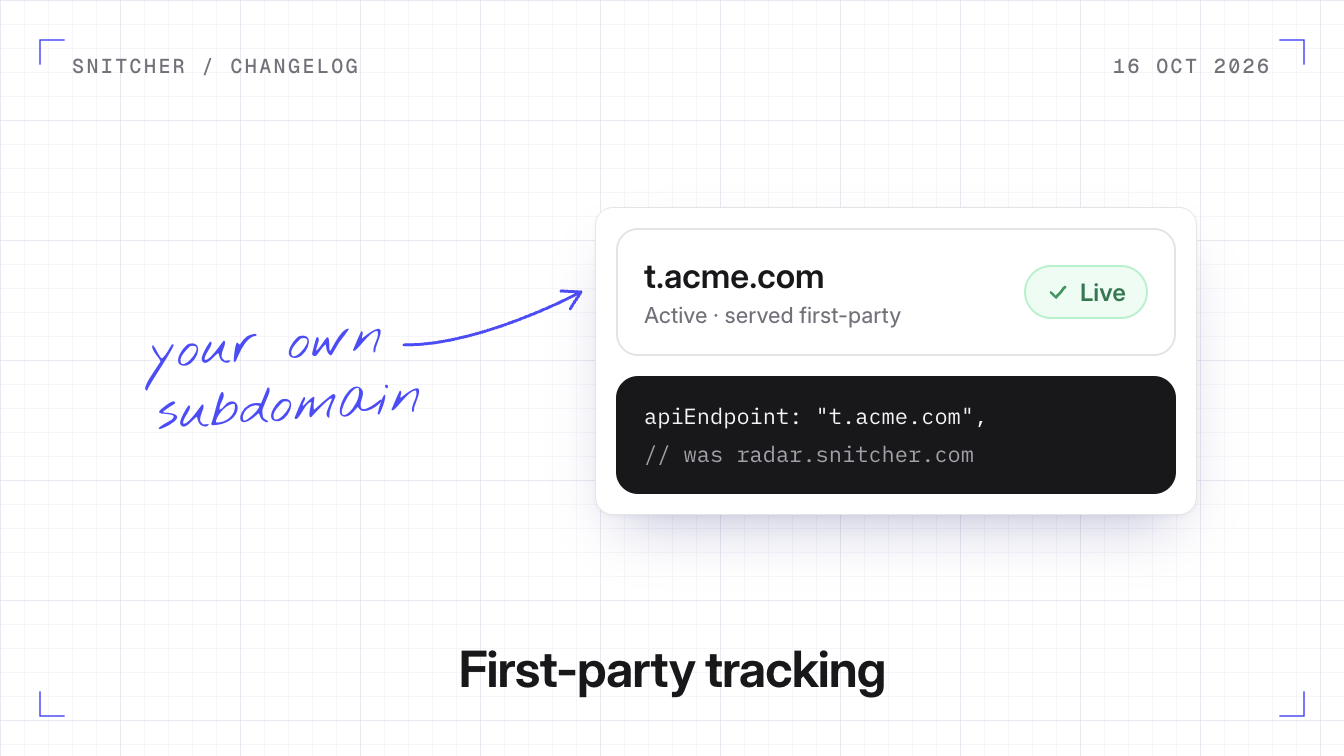
You can now serve the Snitcher tracker from a subdomain of your own website instead of Snitcher’s domains.
Why it matters
Some ad blockers block Snitcher’s domains, so you never see visits from people running them.
What runs through your subdomain
Snitcher picks a short random name for the subdomain, like k3v9tq.yoursite.com, and serves both the tracker and the visit data through it. Snitcher also issues and renews the subdomain’s security certificate, so there’s nothing to host or maintain.
Before you start
- Nothing changes until you set it up. Your current snippet keeps working on Snitcher’s domains.
- Your website needs its own domain. A shared one like
yoursite.webflow.iocan’t be set up.
Set up your subdomain
- Go to Settings → Tracker → Installation and click Start setup.
- Add the DNS record Snitcher shows you, or click Ask for help to email it to whoever runs your DNS. Keep the record afterwards, since the certificate renews through it.
- When the domain shows Live, swap in the new snippet. Snitcher tells you if a page still loads the old one.
The setup guide covers the DNS details, Cloudflare included.