
Connect Attio to Snitcher
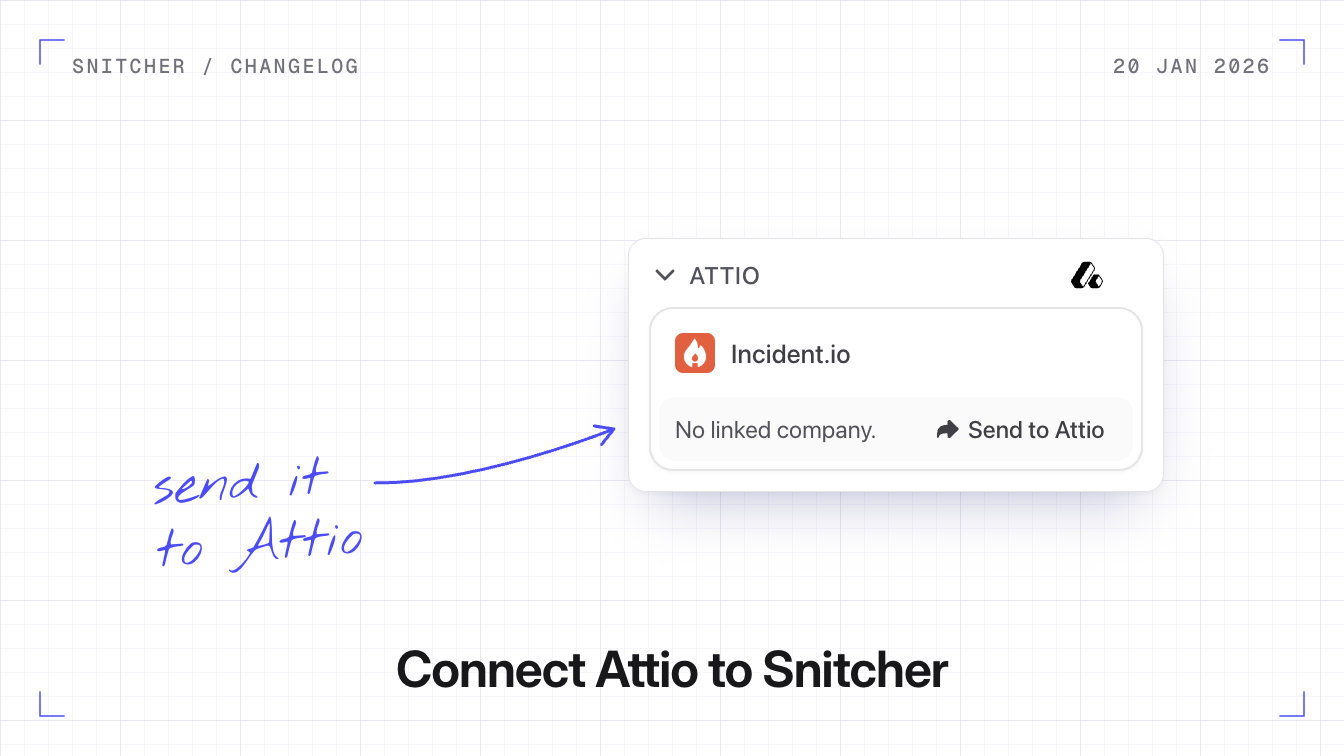
You can now connect Attio to Snitcher, send companies and contacts to Attio, and see in Snitcher which companies Attio already has.
Why it matters
The companies visiting your website land in the CRM your team already works in.
How the sync works
Each time a company is identified, Snitcher checks whether it’s already in Attio and syncs the data. Companies already in Attio show as synced in Snitcher. Snitcher sends each company’s name, domain, industry, team size and location. On the Attio record, Snitcher also keeps visit data up to date, such as sessions, page views and time on site.
What you can do
- Send companies and contacts. Use Send to Attio on a company or on a contact in its People tab, or set up an automation that sends new leads.
- Filter on Attio data. Build a segment of the identified companies that are already in Attio.
Connect Attio
- Go to Settings → Integrations → Attio and click Connect Integration.
- Authorise Snitcher in Attio. You need to be an Attio admin or have the right permissions.
- Choose your sync settings.
How to integrate Snitcher and Attio covers automations and filters.