
Install the tracker with the WordPress plugin
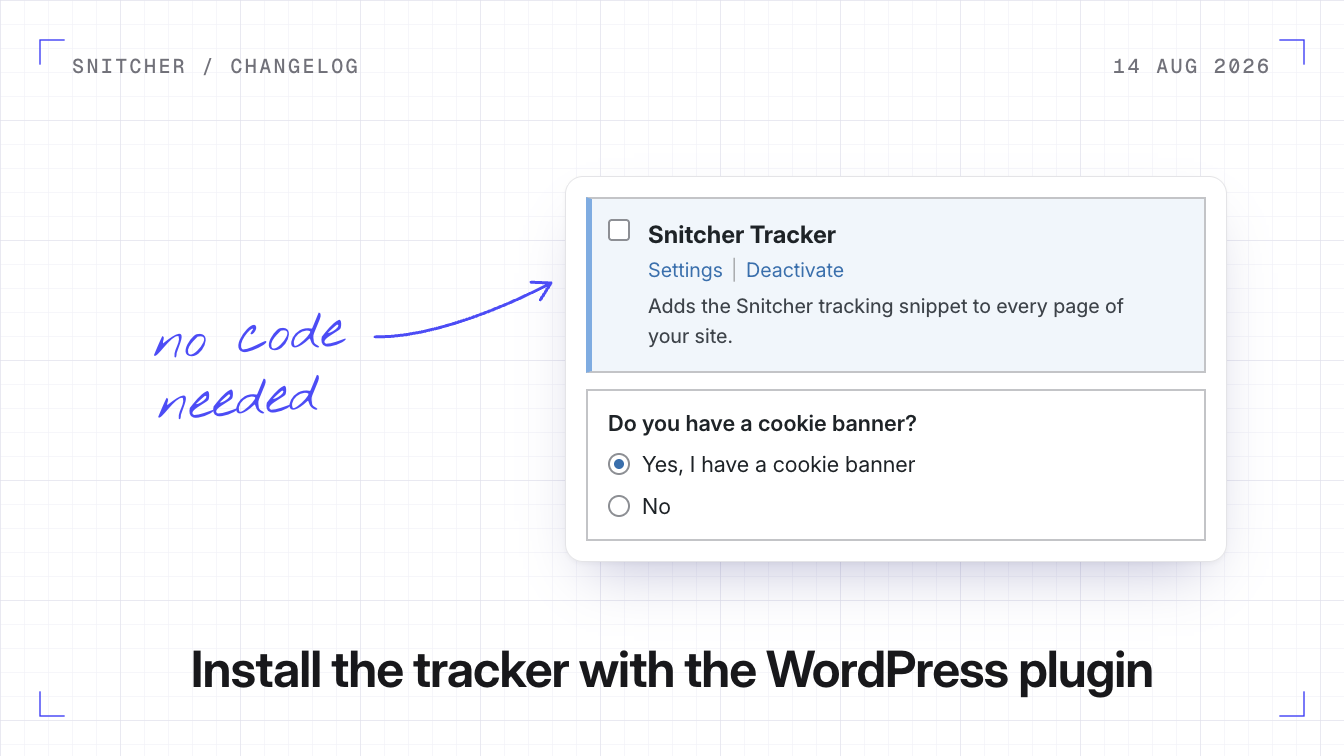
You can now install the Snitcher tracker on WordPress with the Snitcher Tracker plugin, without touching your site’s code.
Why it matters
The tracker stays on every page when you change or update your theme.
How the plugin works
The plugin adds the tracking snippet to every page of your site. Connect the plugin to your Snitcher account and pick a workspace, or paste your Tracking Script ID instead. If your site’s domain matches one of your workspaces, the plugin picks that workspace for you.
If your site has a cookie banner
Choose Yes, I have a cookie banner in the plugin’s settings. The plugin detects Cookiebot, CookieYes, OneTrust and Transcend automatically. For any other banner, enter the name of the cookie your banner sets when a visitor accepts.
Install the plugin
- In WordPress, go to Plugins → Add Plugin, search for Snitcher Tracker, then install and activate it.
- Go to Settings → Snitcher and click Connect with Snitcher.
- Pick your workspace, choose your cookie banner option and click Save Changes.
Your site needs to allow plugins, which means self-hosted WordPress or a WordPress.com Business plan or higher. The plugin guide also covers setup with your Tracking Script ID.