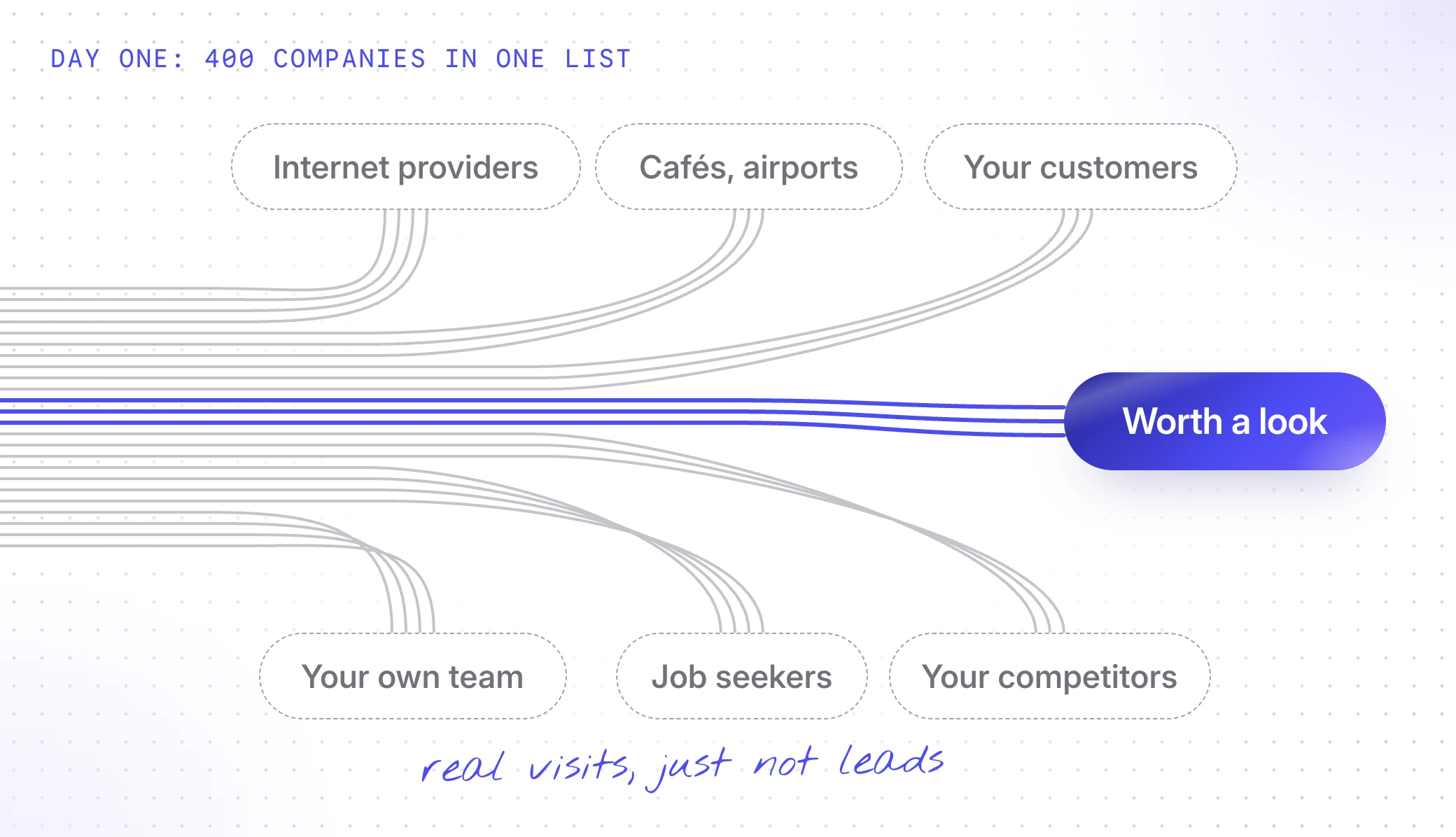
Day one. You add the tracking script, go to lunch and come back to 400 companies in your inbox. Vodafone is in there. So is a coworking space in Lisbon. So is your own office.
By Friday, nobody’s opening the tab.
That’s not because the data is wrong. It’s because all of it arrives at once, in one list, for everyone. Visitor identification without a setup is a firehose pointed at your sales team.
The fix isn’t more data. It’s fewer, better lists. This post covers where the noise comes from, the six segments everyone needs, what to exclude, who should get which alert and the weekly habit that keeps it all useful.
Where does all the noise come from?
Most of it isn’t wrong. Someone at that company really did visit. They’re just not a lead.
| The noise | What it looks like | What to do about it |
|---|---|---|
| Internet providers | ”Vodafone” visited. A lot. Vodafone isn’t buying. | Exclude them and delete the ones that slip through |
| Public places | Coworking spaces, cafés, airports, universities | Delete them as they show up |
| Your customers | Your best customer, logging in again | Give them their own list, for customer success |
| Competitors | Reading your pricing page very, very carefully | Keep them out of sales lists (and wave) |
| Job seekers | Careers page, team page, back to careers | Leave out visits that only touch your careers pages |
| Your own team | You, checking the new homepage. Again. | Exclude your own company on day one |
Take those out and what’s left is a much shorter list of companies that might actually buy something.
Which six segments does everyone need?
A segment is a saved filter that keeps itself up to date. Every new company that matches lands in it on its own.
You need five for sales and one for marketing:
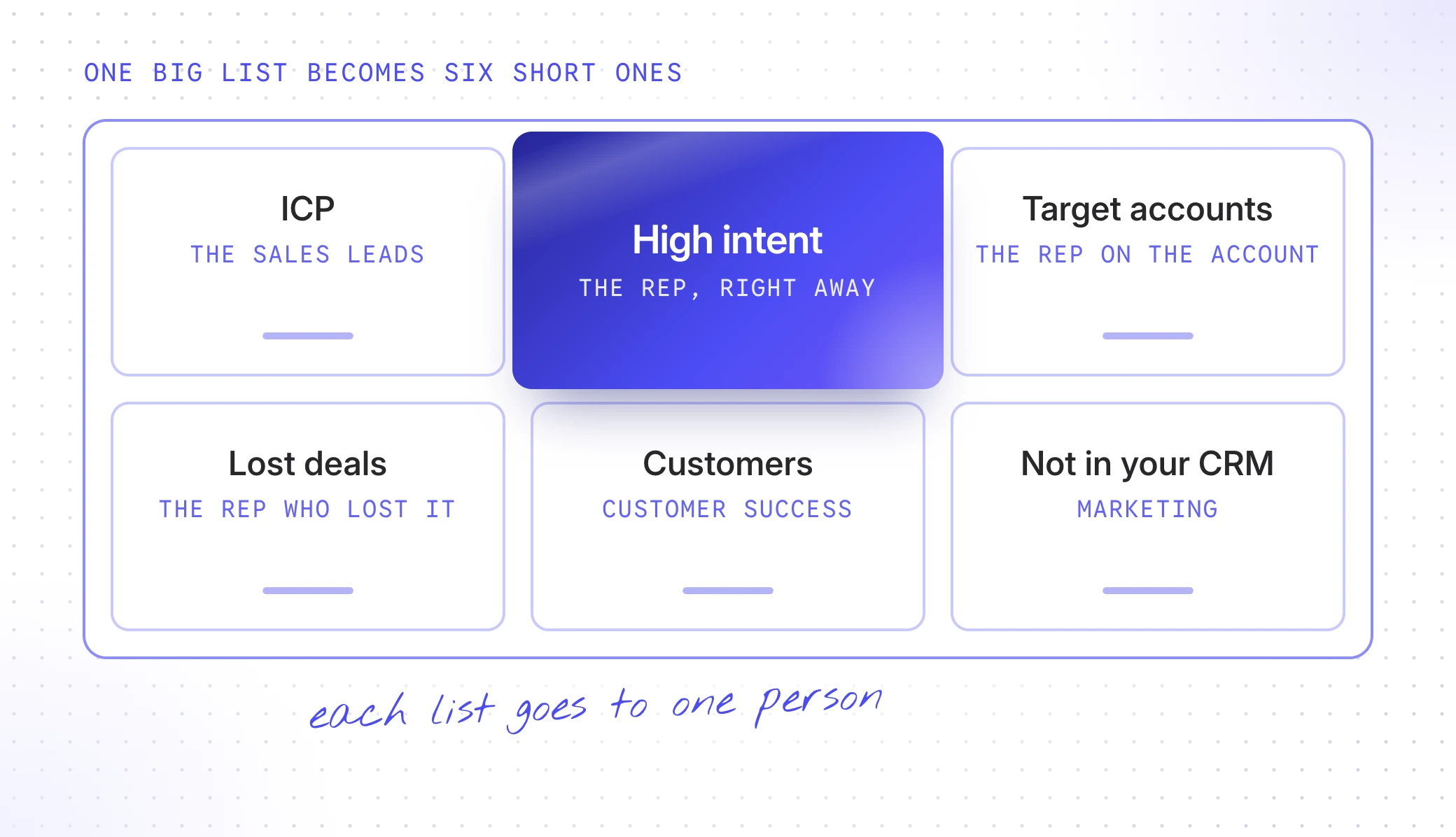
The last one is marketing’s favourite. These are good-fit companies that found you on their own, before anyone in sales knew they existed. Put them in a retargeting audience, or hand the best ones to outbound before a competitor does.
Everything else is the long tail. You’ll look at it when you have time. (You won’t have time.)
The lost-deals segment deserves a special mention, because it’s the one most teams forget. Those companies already know you. When they come back, something changed. We wrote about it in “Your lost deals are coming back”.
What should you exclude and why?
Excluding is the most underrated setting in visitor identification. Every company you take out is one less thing a rep has to decide to ignore.
There are two ways to do it:
- Filter out whole groups. Customers, competitors, your own company, internet providers and careers-only visits. Add them as exclusions on your sales segments, once, and they never show up there again.
- Delete the one-offs. The café, the airport and the coworking space that slipped through. Delete them as you see them.
A rule of thumb: if it’s a type of company, filter it. If it’s one company, delete it.
Don’t over-exclude, though. “Companies under 10 people” might not be your ICP, but that’s what fit and tiers are for. Exclusions are for visitors that are never leads, not for leads you don’t love.
Who should get which alert?
The fastest way to make a team ignore visitor identification is to send every company to #sales.
Send each segment to the one person or team who’d act on it and only send alerts in real time when someone would act today:
| Segment | Who hears about it | How |
|---|---|---|
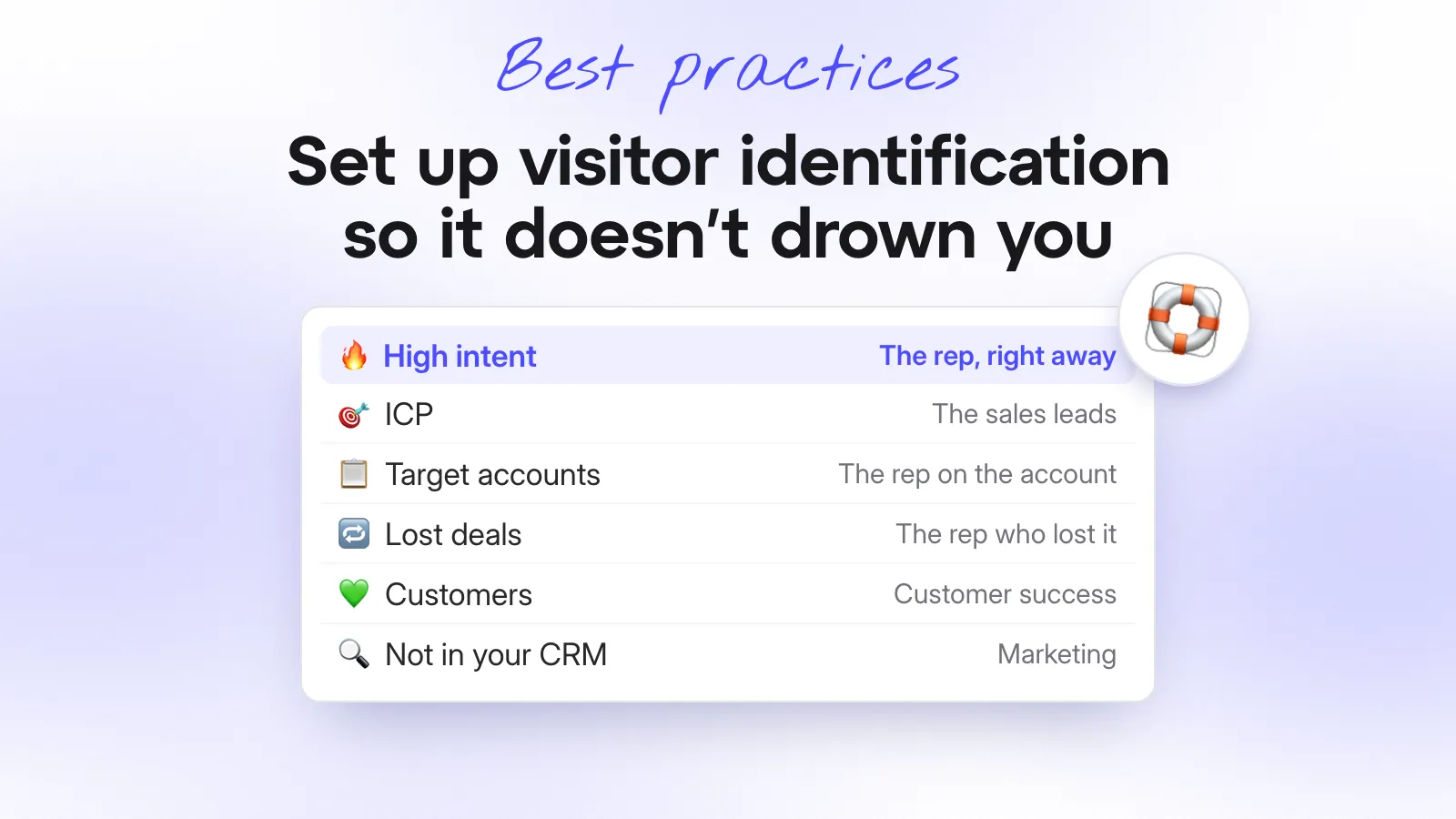
| High intent | The rep who owns the account, or the SDR on duty | Slack, the moment it happens |
| Target accounts | The rep on the account | Slack or email, the moment it happens |
| Lost deals | The rep who lost the deal | Their own channel |
| Customers | The customer success manager | A daily or weekly digest |
| Not in your CRM yet | Marketing | A retargeting audience and a weekly list |
| ICP, everything else | Sales and marketing leads | A weekly report |
If an alert doesn’t change what someone does today, it’s a report. Send it as one.
What does a weekly review look like?
Thirty minutes on a Monday. Same people, same agenda:
- Go through last week’s high-intent list. Who did we contact? Who did we miss and why?
- Clear the junk that got through. Delete the one-offs. If the same kind of junk keeps coming, add a filter.
- Check the alerts. Has anyone muted a channel? Then that segment is too loose.
- Change one thing. One segment, one filter, one alert. Not ten.
Your segments will be wrong in the first week. Start loose, see what lands and tighten from there. After a month, the list your reps get on a Monday morning should be short enough to read over a coffee.
So, how do you not drown?
Stop treating visitor identification as one big list. Take out the visitors who are never leads, split the rest into six lists and send each list to the person who’ll act on it.
Then look at it every week and change one thing at a time. The data doesn’t get quieter on its own. You make it quiet.
Just installed visitor identification and already overwhelmed? Try Snitcher, set up your six segments and turn off everything else. Your Monday inbox will thank you.