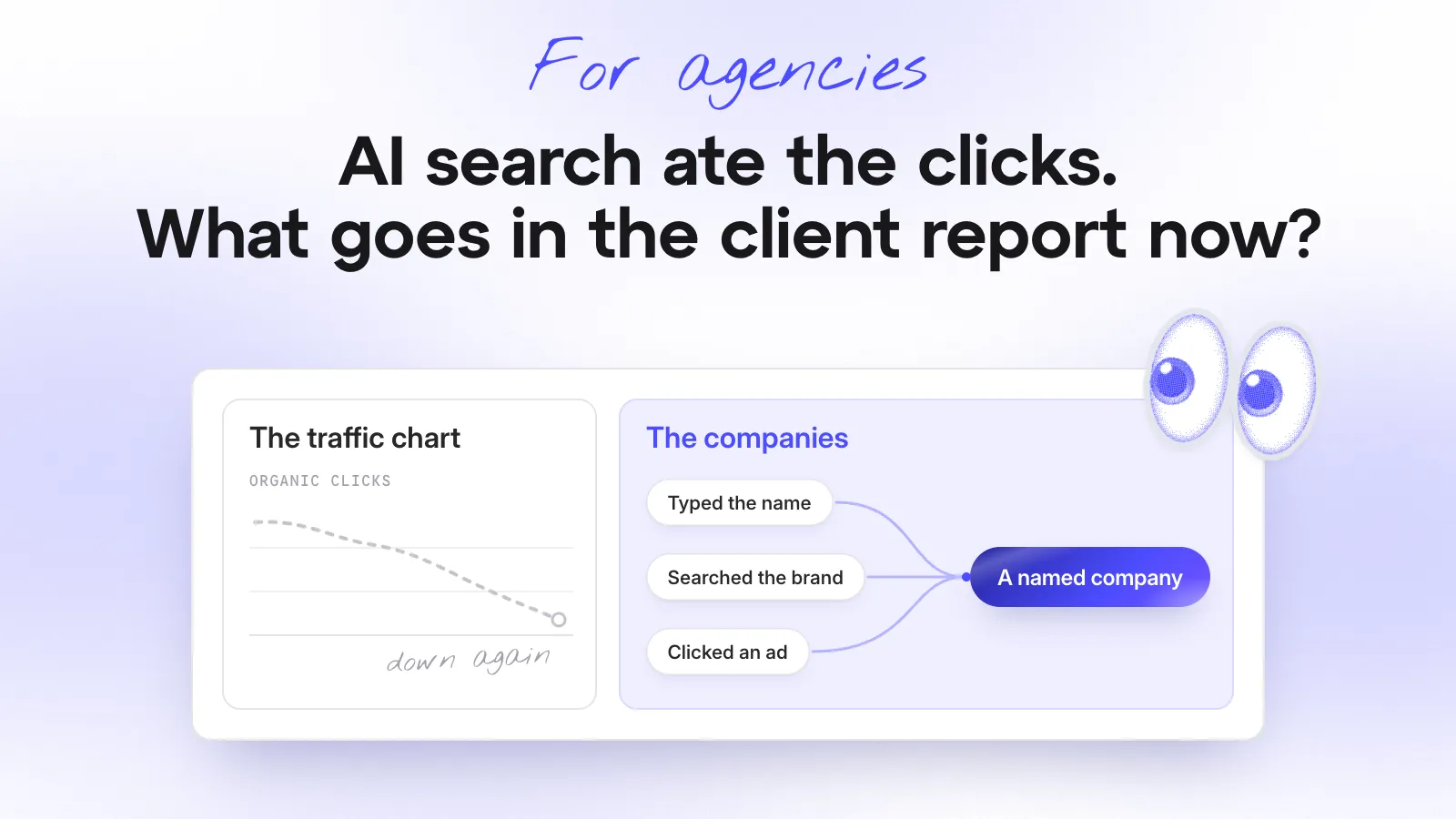
The client call starts with the traffic chart. Organic is down again, paid looks flat and your contact wants to know what they’re paying you for.
You know what happened. Their buyers asked an AI tool for a shortlist and your client was on it.
AI search didn’t take your client’s buyers. It took the click you used to report on. So stop defending the click and show the client the companies that came after your work.
This post is for agency founders whose client reports still run on traffic and leads.
Where did the clicks go?
Into the answer.
Your client’s buyer used to search, open five tabs and read. Now they ask ChatGPT or Claude and get three names with a reason for each. They haven’t clicked anything yet.
When they do turn up, they come in sideways. They type the name, search the brand or click a retargeting ad. Analytics files those visits under direct, branded search or paid. The content, reviews and comparison pages that put your client in the answer report as zero.
(Your client’s brand campaign has never looked so good.)
What do you tell the client?
Check one thing first. If direct and brand traffic held up while organic fell, AI search is the likely story. (If they fell too, it’s a different call.)
Then say it before the chart does. Something like:
“Fewer people click through from search now, because they ask AI tools for a shortlist instead. When your buyers do come, they type your name or click an ad, so the visit gets counted there. The traffic chart can’t show that, so from this month we’ll show you the companies instead.”
Then agree two things with them:
- A “How did you hear about us?” field on their demo and contact forms, as free text. Analytics records the last click. People tell you where they first heard the name. (Don’t be surprised when “ChatGPT” turns up.)
- A report that leads with companies, not clicks. More on that below.
Hot tip: read a few of those answers out loud on the next call. Clients believe their own buyers faster than they believe your charts.
What can you still prove to a client?
Not the click. The company.
Nobody can see the conversation with the AI tool. But website visitor identification names the companies that turned up after it, however they arrived, and that’s what your client’s sales team cares about.
Three things you can still show:
- Which companies came after your work, by name and with what they read.
- Which ones came back. A company that keeps returning is shortlisting, not browsing.
- Which ones sales ended up talking to.
Say your client sells warehouse racking. A 400-person logistics company reads the pallet racking pages three times in a week and arrives “direct” every time. Analytics shows three direct sessions. You can show a named logistics company comparing racking systems, and their sales team knows exactly what to do with that.
What goes in next month’s report?
Lead with the companies. Move the clicks to the back.
For the racking client, the top of page one could look like this:
| This month | Last month | |
|---|---|---|
| Good-fit companies that visited | 34 | 29 |
| Came back | 12 | 9 |
| Came in direct or through the brand campaign | 11 | 6 |
| Said an AI tool sent them | 4 | 1 |
Then:
- The five companies worth a call, named, with what they read.
- The “How did you hear about us?” answers, next to what analytics recorded.
- Clicks, impressions and CTR at the back. Your contact still needs them for their boss.
For the full one-page format, here’s how to report on pipeline, not clicks.
So, what goes in the client report now?
Companies. Clicks stood in for them because clicks were what you could count. Now the click often never happens and the company still turns up.
Say it before the chart does, add the “How did you hear about us?” field and lead next month’s report with the companies.
Explaining a traffic drop this month? Join the agency program and set that client up today. Your next report can lead with names.