One agency we spoke to had a client asking about the visitors “that maybe aren’t filling out forms”. It ran website visitor identification, which names the business behind each visit, and opened a company on the list.
About 7,000 employees. “That doesn’t really seem like helpful intel.” (Fair. Nobody’s ringing 7,000 people.)
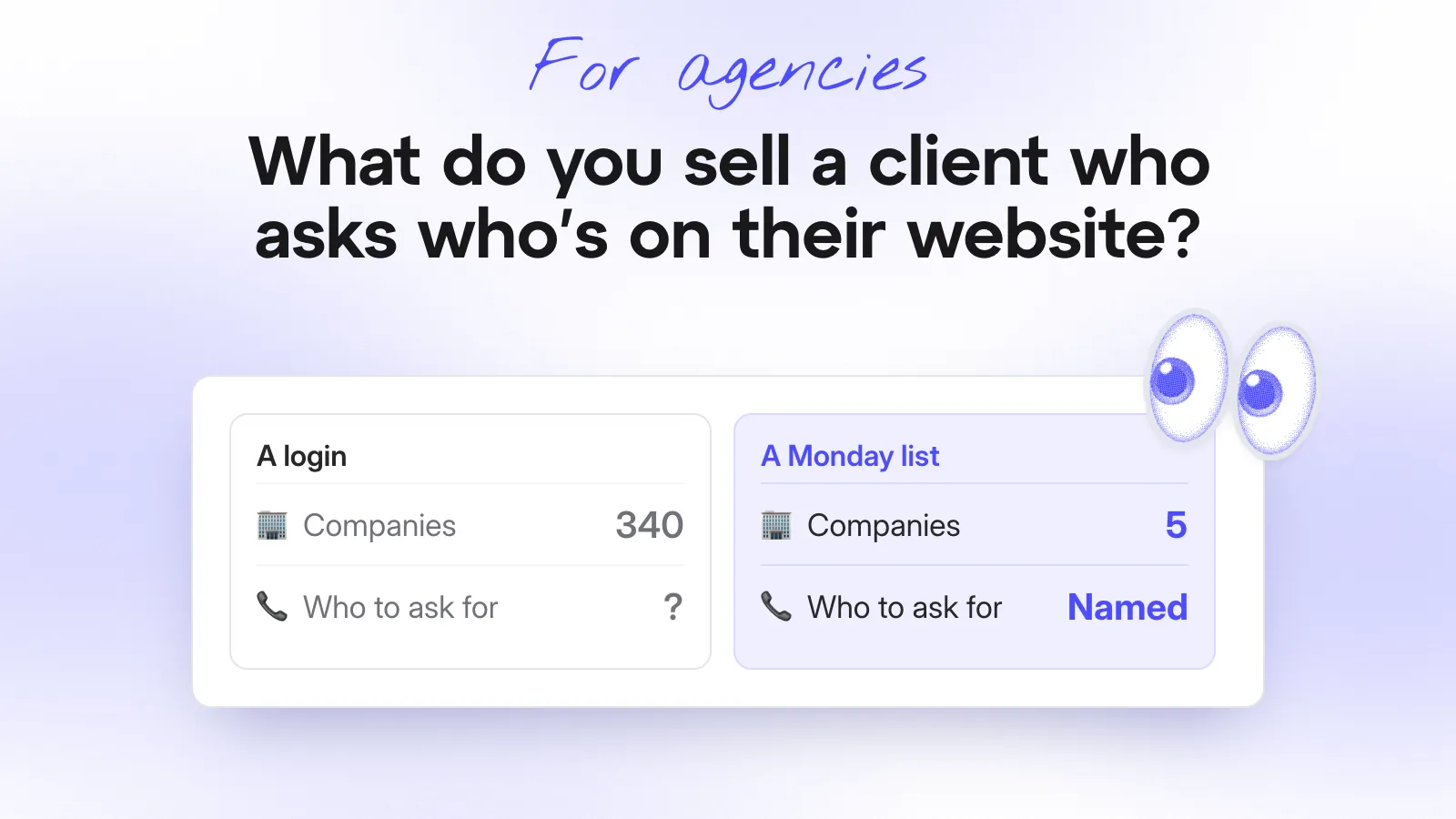
Naming the companies is the easy half. When a client asks who’s on their website, sell them a list, not a login. Keep it short, send it every Monday and say who to ask for and why now.
What do you offer?
Give the service a name, like account reporting, and a description you can say in three sentences:
“Every Monday, we’ll send your sales team a short list of the companies that visited your site, look like your customers and came back. For each one, we’ll say what they read, who to ask for and why now. If one of the companies you most want to win turns up, the right person hears that day.”
Sell a login instead and you can predict the next three months. The client logs in twice, finds a long list with no context and stops.
By the renewal, you’re defending a tool nobody opened. (Clients don’t log in. They read their inbox.)
Your service is everything between that report and the client’s sales team: the picking, the people and the “why now”.
How does it change from client to client?
The Monday pitch above is for a client with a sales team. These are the four kinds you’ll meet.
| Your client | What you send | What they do with it |
|---|---|---|
| A sales team and a CRM | Good-fit companies into the CRM and a weekly list to the sales lead | Sales calls them |
| A sales team, no CRM | A weekly email with five to ten companies and who to ask for | Sales calls from the email |
| No sales team | Companies by campaign, in your monthly report | They judge where the budget goes |
| You already run their outbound | Good-fit visitors go to the top of next week’s outreach | Replies come from people who know the name |
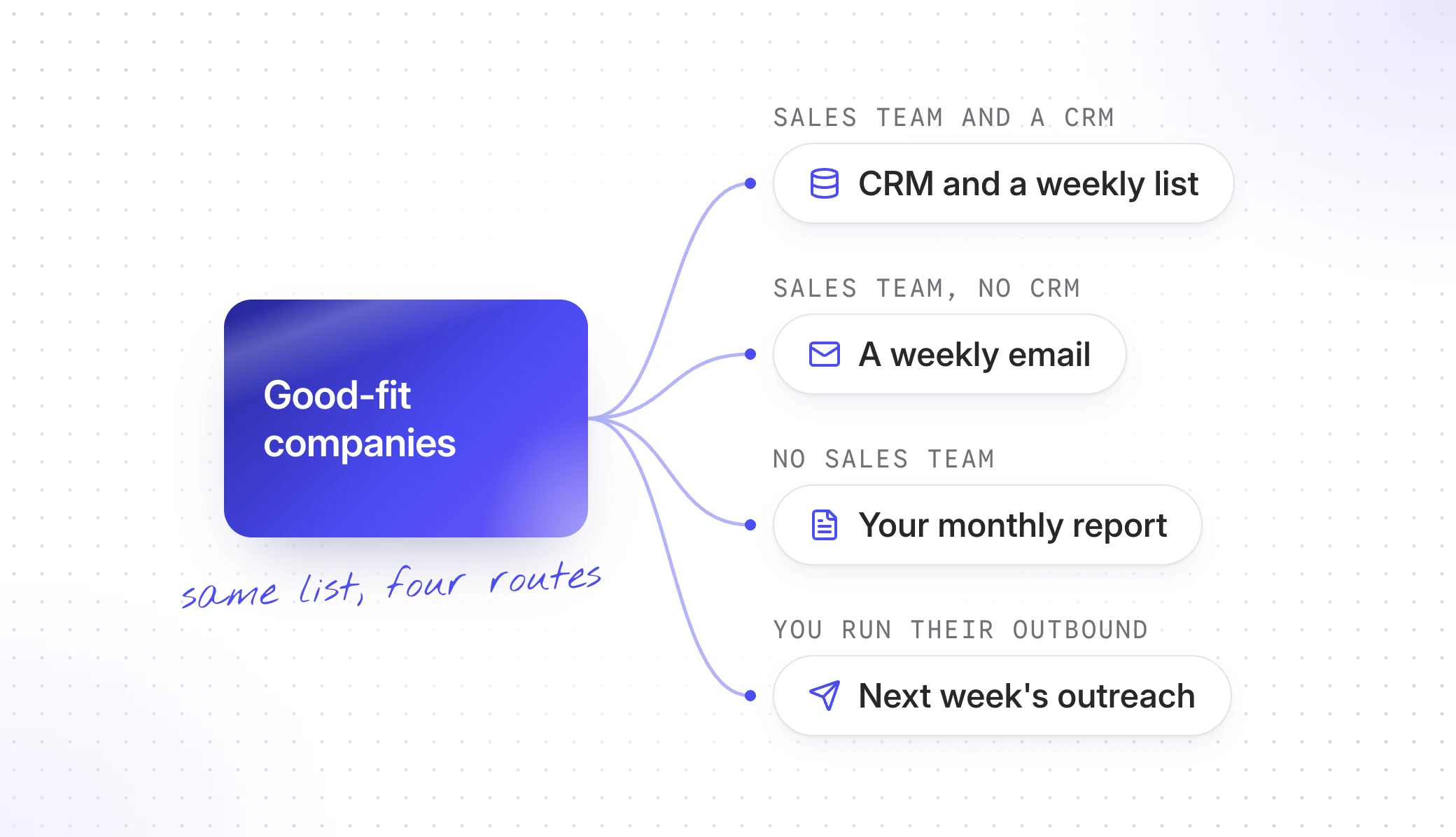
The second row is more common than you’d expect. The agency we spoke to said most of its clients weren’t using a CRM. They don’t need one for this, because an email they already read does the job.
The fourth row is the quickest win if you already run their outreach. A company that read the pricing page on Tuesday reads a Thursday email very differently.
What do you agree first?
Get four things from your client before the first list goes out. You need the script on their site, a named person for the list, their customer list and a few companies they most want to win.
“Sales” is a department, so insist on a name. (Departments don’t pick up phones.)
Then say these up front, before the client finds out for themselves:
- Visits from people they don’t know yet stop at the company. Anyone who’s filled in a form or clicked a tracked email link shows up by name.
- It won’t catch every visit. No tool does, whatever they tell you.
If a client won’t name the person who gets the list, you’ve learned how the service will go.
Which companies make the list and who do you ask for?
Not every company that visited. Keep the ones that fit (the right industry, size and country) and that came back, or read something that matters, like pricing.
Aim for five to ten a week. If you get more, raise the bar, because a long list is how the service gets ignored.
Leave out customers, competitors and suppliers. The one exception is a customer reading about something they don’t buy yet and that goes to their account manager, not sales.
Then find the person. The pages a company read tell you who to ask for.
- Pricing points to whoever owns the budget.
- Spec sheets and integrations point to whoever would run it day to day.
- Case studies point to whoever signs it off.
A role and a name is what turns the 7,000-person company into a phone call.
What does the first email to sales look like?
Short, with names in it and a reason for each one. Here’s one written for a client that sells loading-dock equipment:
Hi Tom,
Kate asked us to send you the companies on your site that look like your customers, every Monday. Here are this week’s first three.
Start with the cold storage group: they read the dock leveller pages three times and haven’t been in touch.
Tell me which ones you get to and I’ll tune next week’s list to match.
Marios
| Company | What they read | Who to ask for | Why now |
|---|---|---|---|
| A cold storage group | Dock levellers, three times | Warehouse operations manager | Three visits in a week and they announced a second site in spring |
| A fulfilment group | Pricing and the delivery page | Head of facilities | Their head of facilities spoke at the show where we ran your stand |
| A regional distributor | Two case studies, one about your biggest customer | Operations director | Same size and sector as that customer |
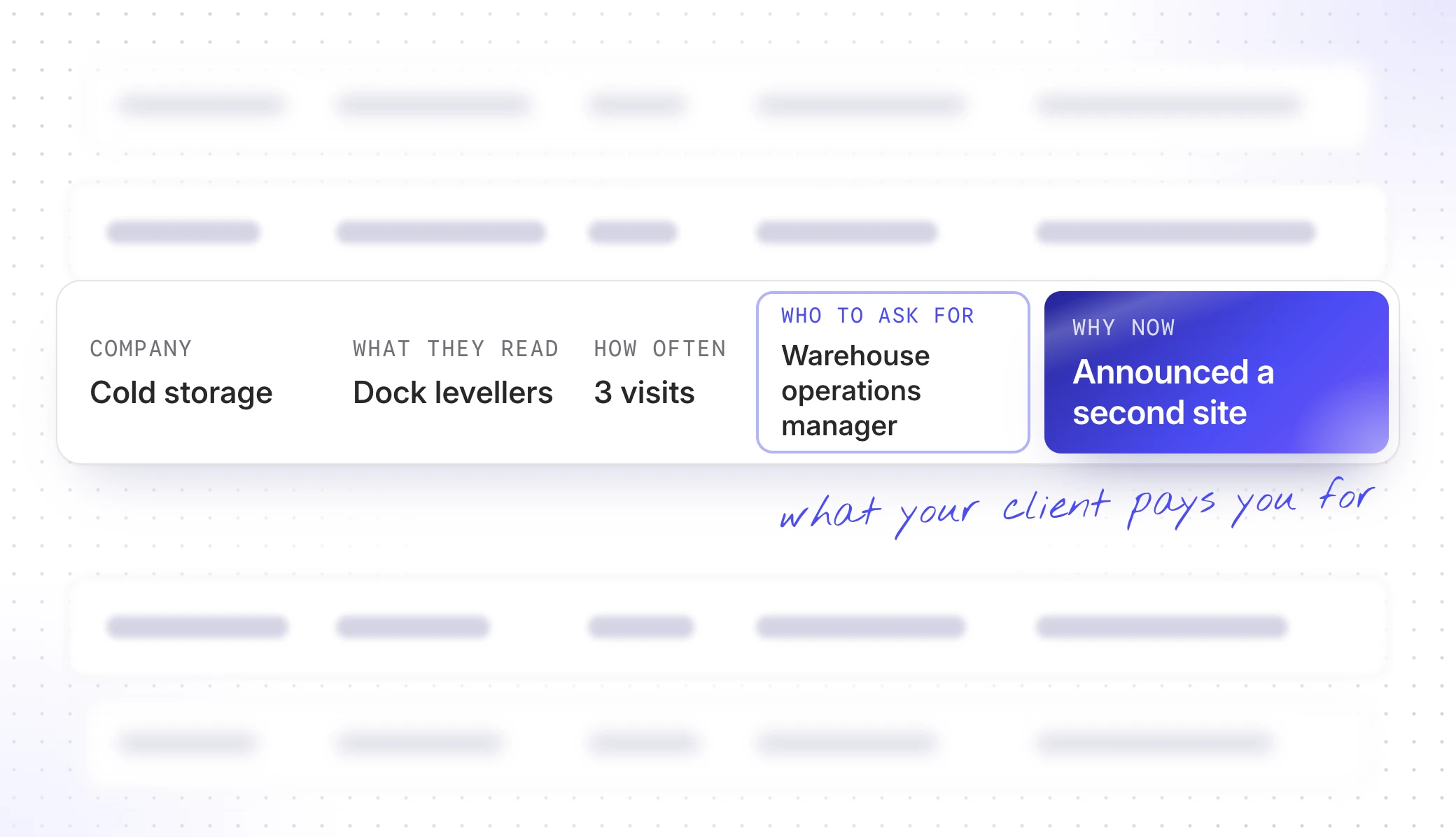
Snitcher shows you who came, what they read and how often. “Why now” joins that to what only you and your client know and it’s the part your client pays you for. Four questions cover most of it:
- Has something changed at their end? A new site, a new boss, a funding round. Say what.
- Did your campaign bring them? Name the webinar, the ad or the stand.
- Do they look like a customer? Say which one.
- Are they on the target list? Don’t wait for Monday. Tell sales today.
The first email sets the tone for every Monday after it, so keep it to three companies you’d bet on. (Six mediocre ones is how a list becomes a filter rule in Outlook.)
What if their sales team ignores it?
Ask which ones they got to, every week. If the answer keeps being “none”, raise it with your marketing contact first, not the sales team. They can find out who should get the list without anyone losing face.
Most of the time, the fix is a different name at the top of the email.
So, what do you sell them?
Account reporting: a short list every Monday for a named person on their sales team. Each company comes with what it read, who to ask for and why now, plus a same-day message when a company they want turns up.
Agree the four things with your client, send the first email and keep asking which ones they got to until someone acts on it.
Got a client asking this week? Join the agency program and set them up today. Their sales team can have a first list within a week of the script going in.