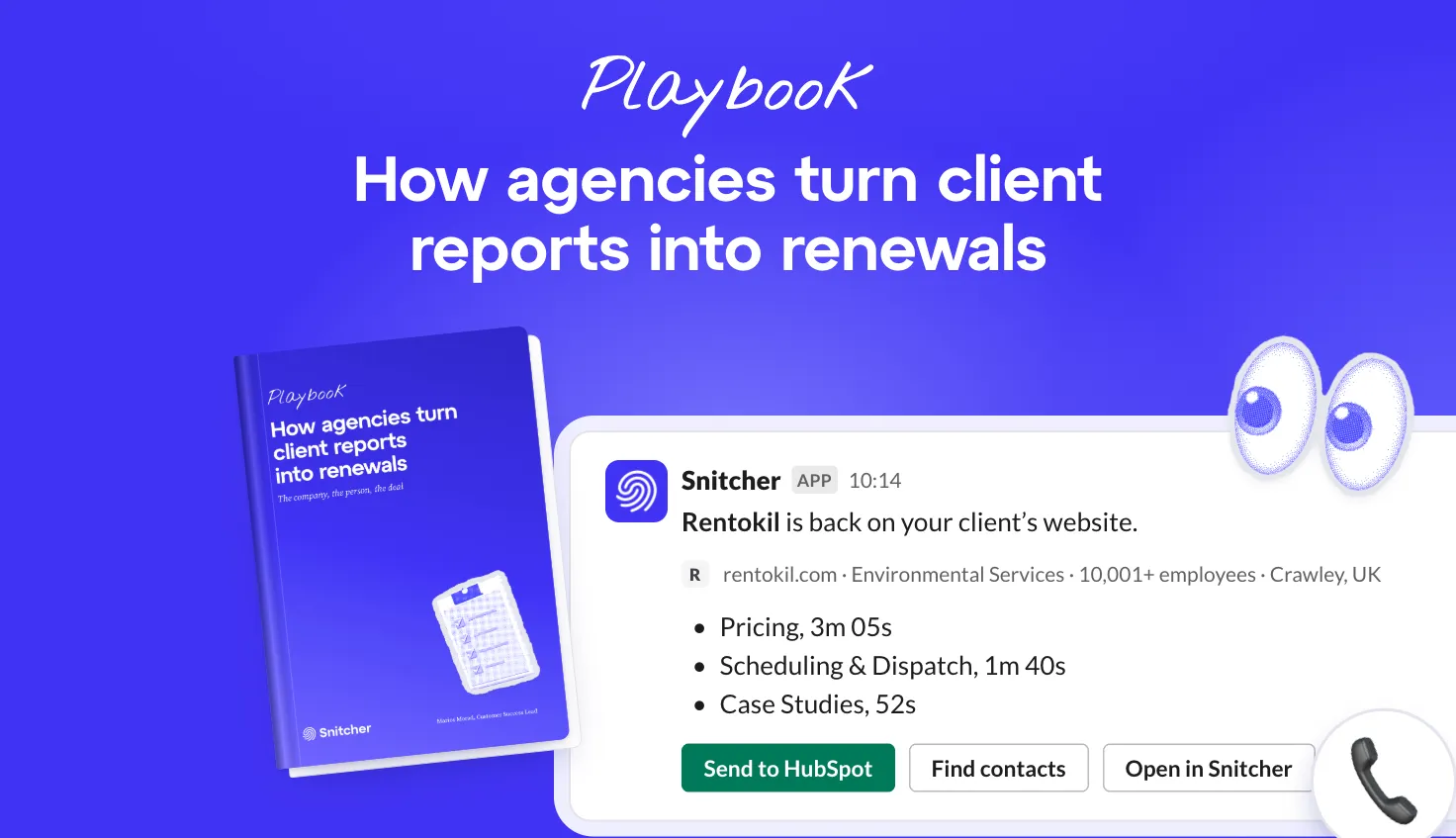
Every week, companies read your pricing page and your case studies. One or two fill in a form. Your reps never hear about the rest, even the ones that were close to buying.
So don’t wait for the form. Read the visits and hand your reps a short list every Monday.
Do that and your reps spend the week on the companies checking your prices. The ones that read one blog post can wait. (They’ll be back if they mean it.) And once it’s set up, each list goes to its owner in Slack, Teams or your CRM.
1. Which companies are worth your time?
The ones that look like the customers you’ve already won.
Ask a sales team who their ideal customer is and you’ll get a sentence, like “mid-market B2B SaaS”. That’s a vibe, not a list. Two reps read it two ways, so every visit becomes a judgement call.
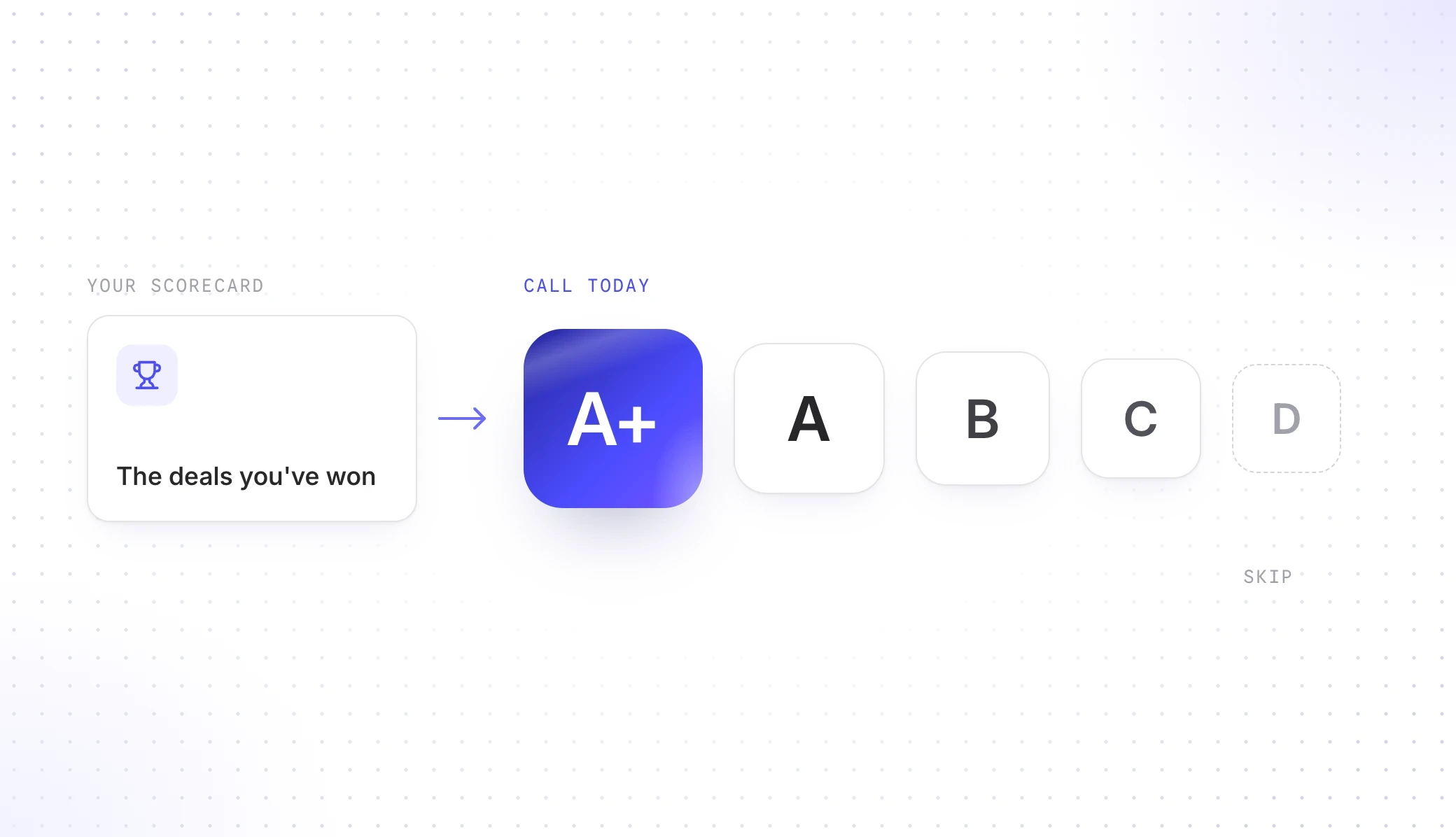
So turn it into a scorecard: four to six things you can check for any company, like industry, size and the tools it uses. Add them up and every company gets a grade from A+ to D.
Write it from the deals you’ve won, not the logos you wish you had.
We did this at Snitcher. Our A-tier accounts convert about three times as often as our D-tier ones. They’re worth about 2.7 times as much over their lifetime, too.
Then Snitcher grades every company that visits your website on that same scorecard. The A+ to C companies are at the top before anyone’s opened the list. (Nobody scrolls to page three.)
2. What does a visit tell you?
What they’re trying to solve and whether they’re anywhere near buying.
A company on your pricing page for six minutes is a different conversation from one that read a blog post and left. Your analytics reports both as “1 visitor”.
Snitcher shows you which company it was, which pages it read and how often it came back. Every company gets an intent level too, from low to very high.
Most visits fall into one of six patterns:
| Pattern | What it looks like | What to do |
|---|---|---|
| The skimmer | One blog post, then gone | Let them be |
| The researcher | Guides and blog posts, no product pages | Keep them warm with ads. Don’t email yet |
| The evaluator | Pricing, integrations or a comparison page, a few minutes each | Email today |
| The committee | Visits from two or three locations in the same week | Write to two or three people |
| The customer | Your docs and your login page | Tell their account manager |
| The job seeker | Your careers page | Wish them luck |
The evaluators and the committees are your week.
Everyone else can wait. (The skimmers won’t miss you.)
Say someone at Personio spends eight minutes on your integrations page, then comes back two days later for pricing. That’s an evaluator. It’s worth ten minutes of a rep’s morning.
3. Who do you write to and what do you say?
Two or three people who own the problem the visit was about. And the email is about that problem, not the visit.
People you already know show up by name. Visits from people you don’t know yet stop at the company. But the pages give it away more often than you’d think, because people read what’s relevant to their job:
| If they mostly read… | You’re probably talking to… | What your email is about |
|---|---|---|
| Sales use cases, CRM integrations | A sales manager or VP Sales | The pipeline problem your product fixes |
| Marketing use cases, analytics | A marketing manager or CMO | Proving what marketing brings in |
| API docs, security, implementation | Someone technical | How it plugs into their setup |
| Pricing, terms, comparisons | Whoever owns the budget | What it would cost a team their size |
| Case studies | Someone building an internal case | How a team like theirs did it |
Once you know the role, you’ll see the people at each company with that job title. Reveal an email or a phone number when you need one, then send them to your CRM or straight into a sequence.
Never open with “I saw you on our website”.
Nobody likes feeling watched. Write about their problem instead, in three lines: their problem, why it matters to them and a small ask.
Say you sell scheduling software. That Personio visit spent most of its time on your calendar integrations. Here’s the email:
Hi Anna,
Most HR teams we talk to lose interview slots because calendars don’t stay in sync.
That hurts when every hire needs four people in the same room.
Worth a quick look at how that would work at Personio?
Leon
Already working in Claude or ChatGPT? Let it write this for you.
Connect the Snitcher MCP and ask “who should we email at Personio?” It finds the people, reveals a verified email and drafts the outreach from the pages they read. (And it asks before it spends a credit or changes anything.)
4. Which companies do you already know?
Your lost deals and your customers. They’re the easiest wins on the list.
A lost deal already knows your product. When it’s back on your pricing page after a new budget year, the reason it said no might be gone. (So might the tool it picked over you.)
Customers work the same way in reverse. Nobody reads your cancellation page by accident. Or the plan above theirs.
Three kinds of visit get their own list:
| Who | The visit that matters | Who hears about it |
|---|---|---|
| A deal you lost on timing or budget | Back on your pricing page after months of nothing | The rep who lost it |
| A customer who’s gone quiet | Your cancellation, export or comparison pages | Their account manager |
| A customer who’s outgrowing their plan | The plan above theirs, seats or SSO pages | Their account manager (with sales looped in) |
One visit to your terms page is a lawyer having a slow afternoon. The terms page, the export docs and a comparison page in the same week means someone’s making a decision.
Connect your CRM and your deals come into Snitcher on their own. “Lost on budget in March” stops being a note in a closed deal. It’s a list that tells the right rep the day that company comes back.
Reply to the reason they left, not to the visit.
Want to see how we do it? At Snitcher, every rep has their own Slack channel for their lost deals.
5. Who hears about each list?
The one person who’d act on it, in a channel with their name on it.
Most of this runs on its own once it’s set up. When a company on one of your lists turns up, Snitcher tells its owner where they already work:
| List | Who hears about it |
|---|---|
| Evaluators and committees | The account owner (or the SDR on duty) |
| Lost deals | The rep who lost the deal |
| Quiet customers | Their account manager |
| Upgrade shoppers | Their account manager (with sales looped in) |
| Good fits not in your CRM yet | Marketing, as an ad audience |
| Everything else | Everyone, in the report before the kick-off |
Just don’t send them all to #sales.
A shared channel is where good leads go to be 👀‘d. Everyone sees it, everyone assumes someone else has it and nobody replies.
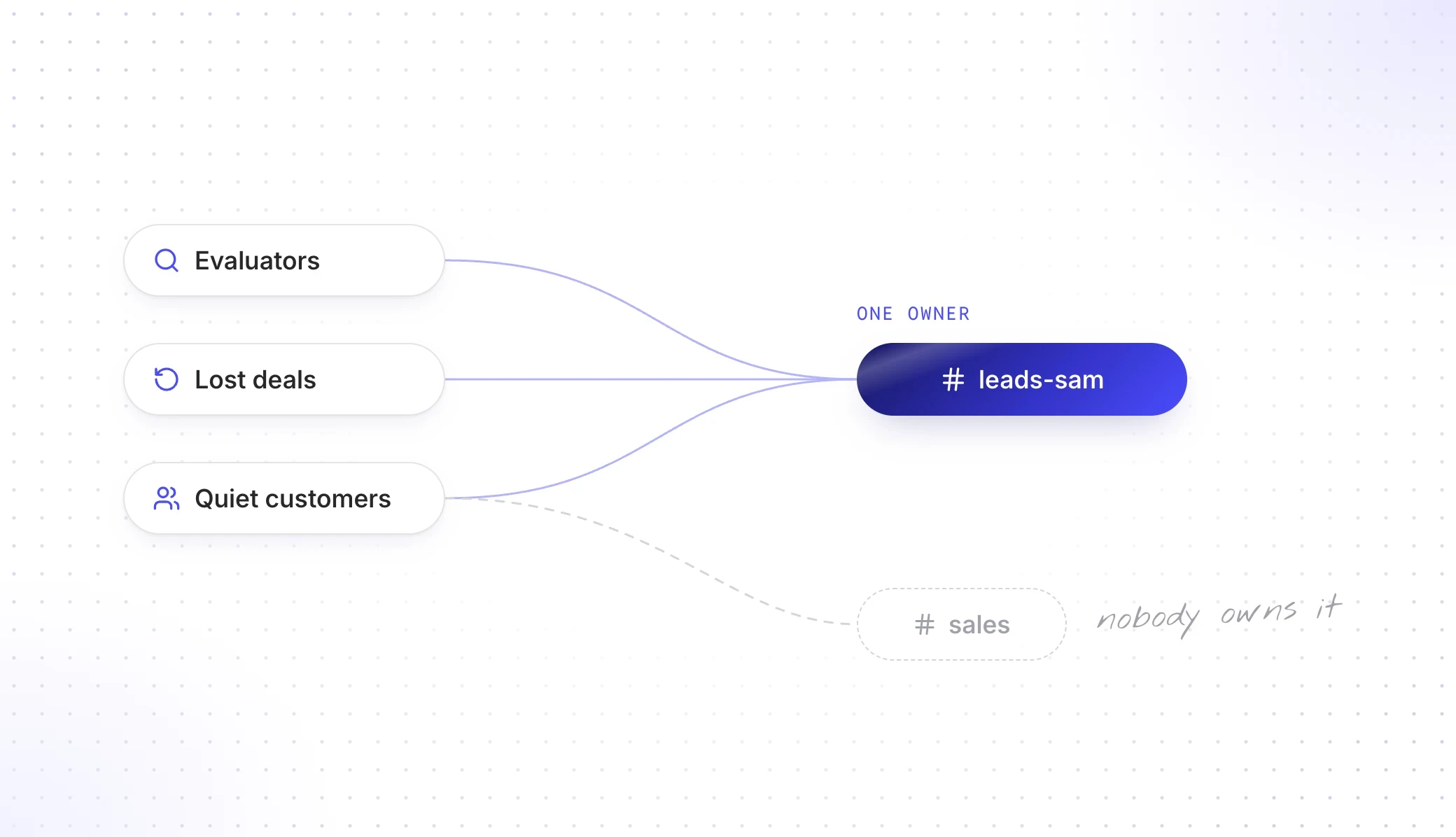
So give every rep a channel of their own in Slack or Teams. If an alert has one owner, it goes somewhere only that owner reads. (A personal email alert works too, but it’s easier to miss between the newsletters.)
Make each alert say why it matters. “Closed-lost in Q3, back on pricing and two case studies” tells your rep everything. “A company visited your website” tells them nothing.
Each visit also shows up on the account in your CRM, with when they were last on your site and which list they’re in. Your CRM’s own workflows can take it from there. (Even the ones nobody’s touched in years.)





6. What should you do at your weekly sales kick-off?
Put the website lists first on the agenda. You don’t need a new meeting for this.
Use the one you already have, whether that’s the Monday kick-off or the weekly pipeline review. Anything urgent has already gone to the right rep. Everything else lands in everyone’s inbox before the meeting starts.
Got the Snitcher MCP connected? Then the prep is two questions: “which high-intent companies matched our ICP this week?” and “which of these does our CRM not know about yet?”
In the meeting, go through this week’s list, then ask who you missed last week and why. If a rep’s muted their channel, that list is too loose. (A mute is the most honest feedback you’ll get.)
Every company leaves the kick-off with one name next to it.
So, which companies should your reps call this week?
The ones that look like your best customers and are reading the pages people read before they buy. Plus the lost deals and customers who’ve come back.
Grade every company from the deals you’ve won, then see what they read. The evaluators and the committees are your week. Write to two or three people at each about their problem, never the visit.
Give your lost deals and quiet customers to the people who know them. Send every alert to one rep’s channel, never #sales. Then at the Monday kick-off, put a name next to every company on the list.
Every company worth your time ends up with one owner and a reason to get in touch.
Here’s the week in one table:
| When | What happens |
|---|---|
| Once a quarter | Check the scorecard against the deals you’ve won |
| Monday, before the kick-off | The report lands in everyone’s inbox |
| The kick-off | A name next to every company on the list |
| The same day | The first email: their problem, why it matters, a small ask |
| All week | Alerts land in each rep’s own channel |
Snitcher shows you who’s there and brings the list to you. Your reps do the talking.
Want your first list? Try Snitcher this week and it’ll be ready for next Monday’s kick-off.